VivoTab Note 8 E-Manual
33
Customizing your Start screen
Windows® 8.1 also enables you to customize your Start screen,
allowing you to boot directly to the Desktop mode and customize the
arrangement of your apps onscreen.
To customize the settings of your Start screen:
1. Launch the Desktop.
2. Tap and hold anywhere on the taskbar except on the Start
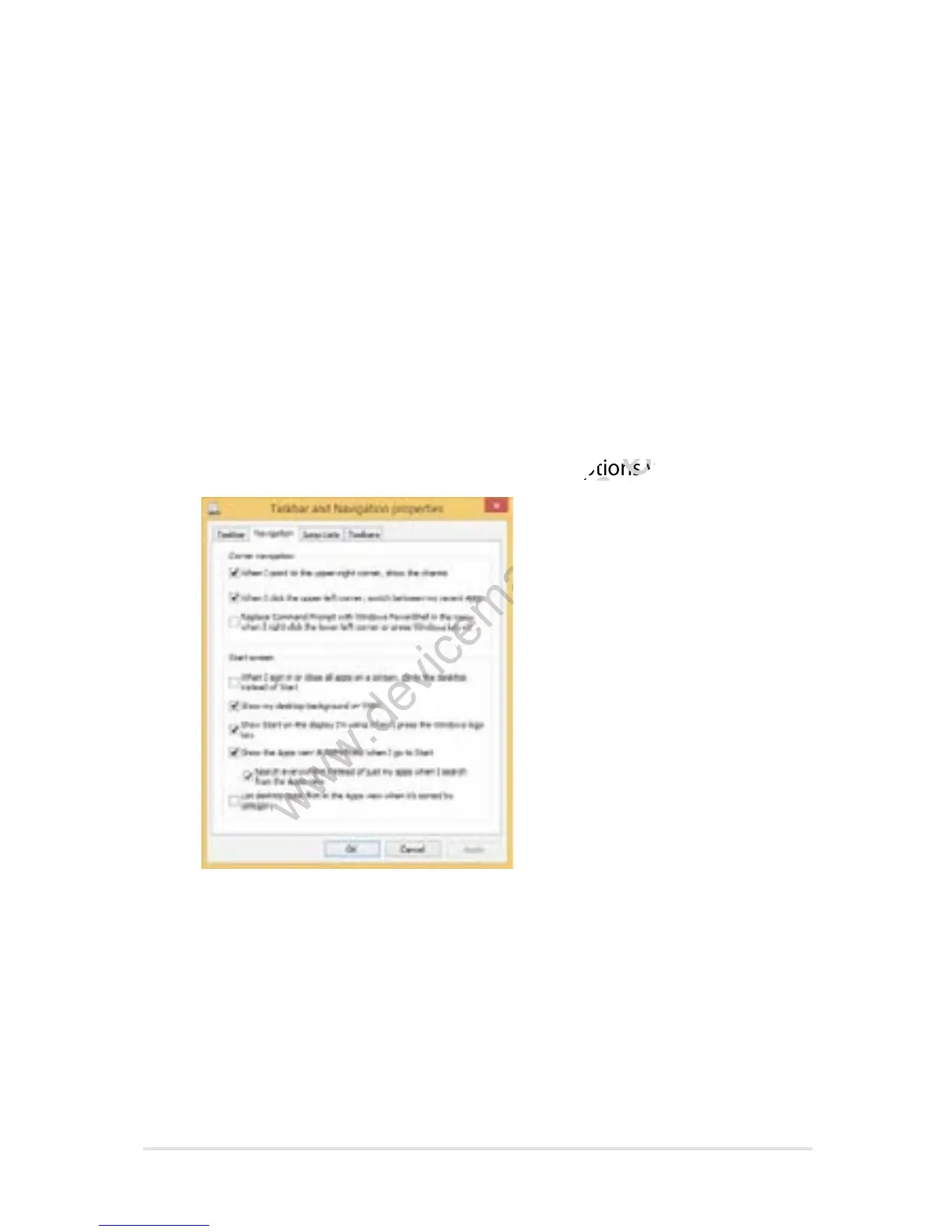
button, then tap Properties to launch the Taskbar and
Navigation properties window.
3. Select the Navigation tab then tick the options you want to use.
4. Tap Apply to save the new settings then tap OK.














 To Next Page