23
Installation Using a Mobile Device
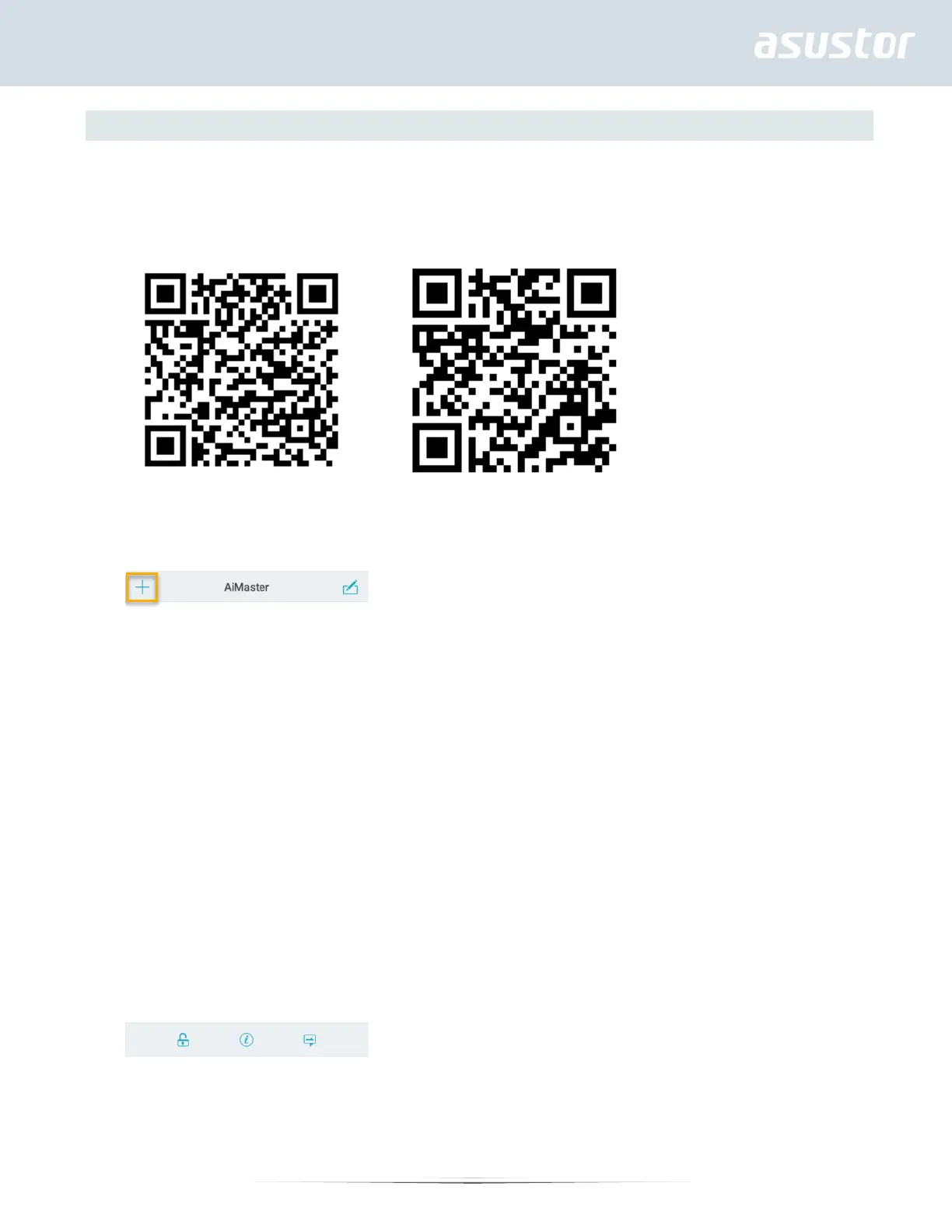
1. Search for “AiMaster” in Google Play or the Apple App Store. You can also scan the QR codes provided below.
Download and install the AiMaster mobile app to your mobile device.
AiMaster for Android AiMaster for iOS
2. Make sure that your mobile device is connected to the same local network that your NAS is connected to.
3. Next, open AiMaster and then select the [ + ] icon from the toolbar at the top of the screen.
4. Select [Auto Discovery]. AiMaster will now scan the local network for your NAS.


 To Next Page