29
Troubleshooting
Q: Why can’t I detect my ASUSTOR NAS using ASUSTOR Control Center?
A: If you are having trouble detecting your NAS using ASUSTOR Control Center, please do the
following:
1. Please check your network connection:
Make sure that your computer and your NAS are part of the same local area network.
Check to see if the network LED indicator is lit. If you find that it is not lit, try connecting your Ethernet cable to the
other network port or try using a different Ethernet cable.
2. Please first disable any firewalls that may be running on your computer. Then try scanning for your NAS again using
ASUSTOR Control Center.
3. If you still cannot detect your NAS, please connect your NAS to your computer using the provided RJ-45 network
cable and change your computer’s IP settings.
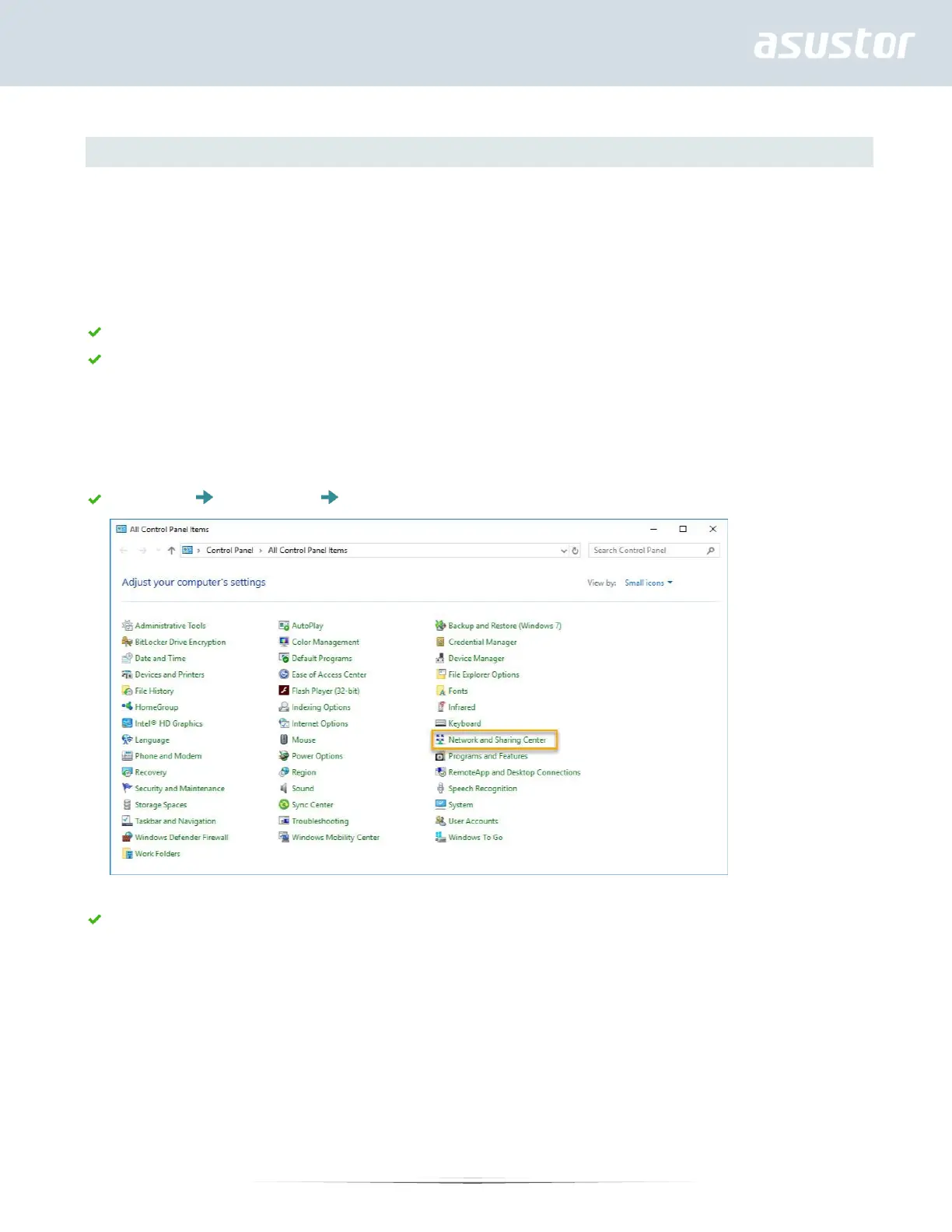
Select [Start] [Control Panel] [Network and Sharing Center]
Click on [Change adapter settings] in the left hand panel.


 To Next Page