Self-Test Menu (continued)
Statistics Menu (confhuea)
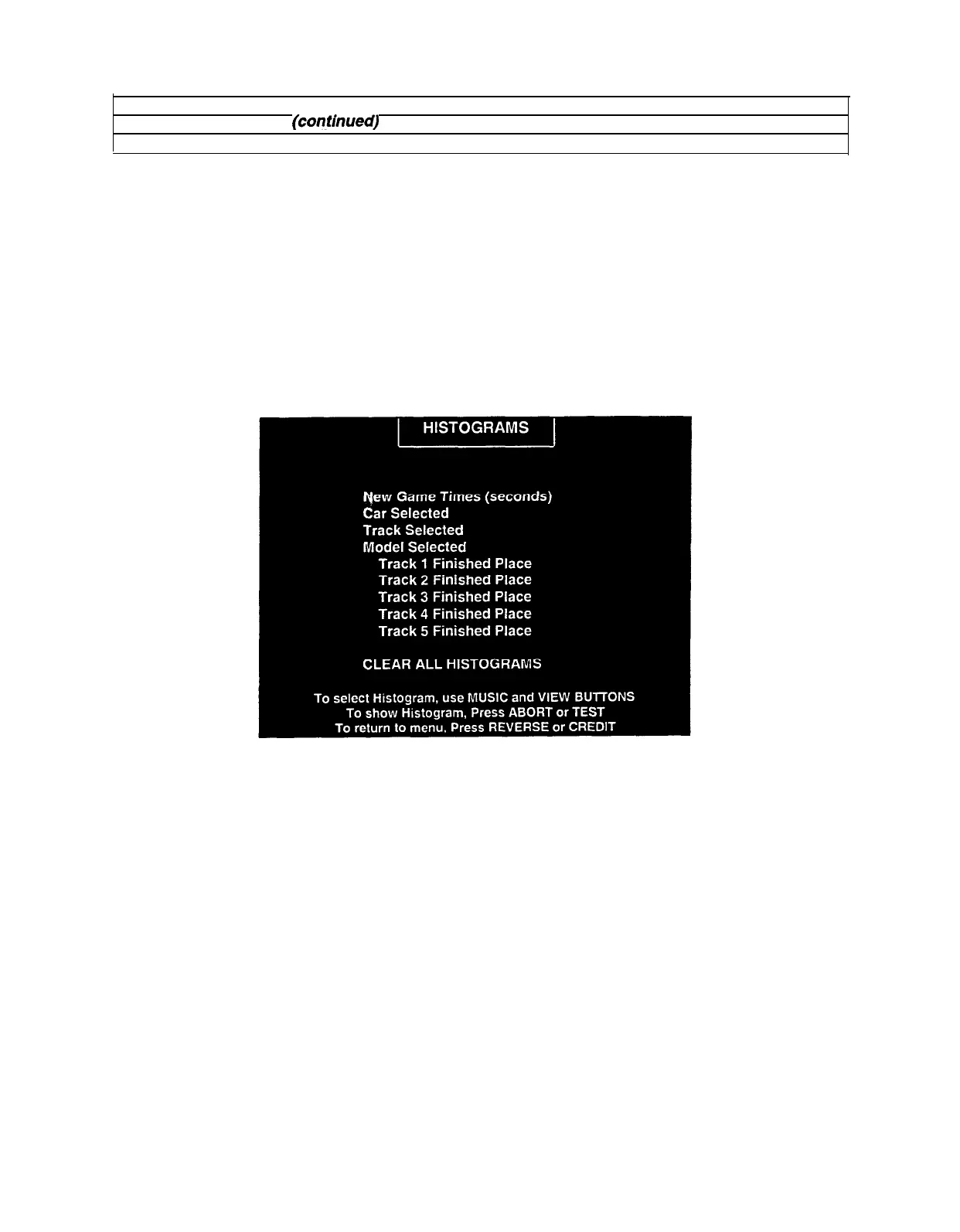
Histograms Menu
HISTOGRAMS
Select HISTOGRAMS at the Statistics Menu. Press REVERSE or CREDIT to enter the Histograms Menu.
The Histograms Menu allows graphical analysis of statistics and visual comparisons between games.
Histogram screens have no bar graphs until the system has enough data to plot.
Note and record user messages. These messages can be useful in detecting intermittent conditions. The
USER MSGS screen will contain no messages until the system detects an error.
Record Statistics before servicing this game.
Press REVERSE and ABORT together to cancel any changes on the screen and clear all counters to
zero. This deletes all Histograms and User Messages, so examine them before using this action.
HISTOGRAM MENU
5-6



 To Next Page