VGM Startup Troubleshooting Table, continued
SYMPTOM
VGM appears non-
functional.
Currency acceptor price
indicator is illuminated.
CAUSE
Power problem
Faulty wiring
Improper jumper or
DIP switch settings
Faulty circuit boards
REQUIRED ACTION
1. Inspect circuit boards under low-light conditions.
LEDs
glow if processor circuits receive voltage.
Fan should be turning. These indications prove
presence of DC from power supply. Still,
voltages or signals may not be normal.
2.
Turn on VGM power. Using
20-volt
DC setting on
digital voltmeter, measure DC voltages at power
connector pins.
3. Using
2-volt
AC setting on digital voltmeter,
measure same DC voltages as above. Any
reading
here
indicaies
ihai
SUpplL’
voltages
are
unstable and may contain ripple or noise.
Turn off VGM power. Assure that wiring harness
connectors attach and fully seat onto mating
board connectors.
Verify that circuit board jumpers are set as
intended. Check DIP switch settings.
1.
Run power-up self-test sequence. Note errors or
failures during tests. Compare
LEDs
with LED
indicator status charts. Note discrepancies.
CAUTION: Don’t remove or install any connector while power is turned on. Doing so
will damage circuit boards or hard disk drive, and void warranty.
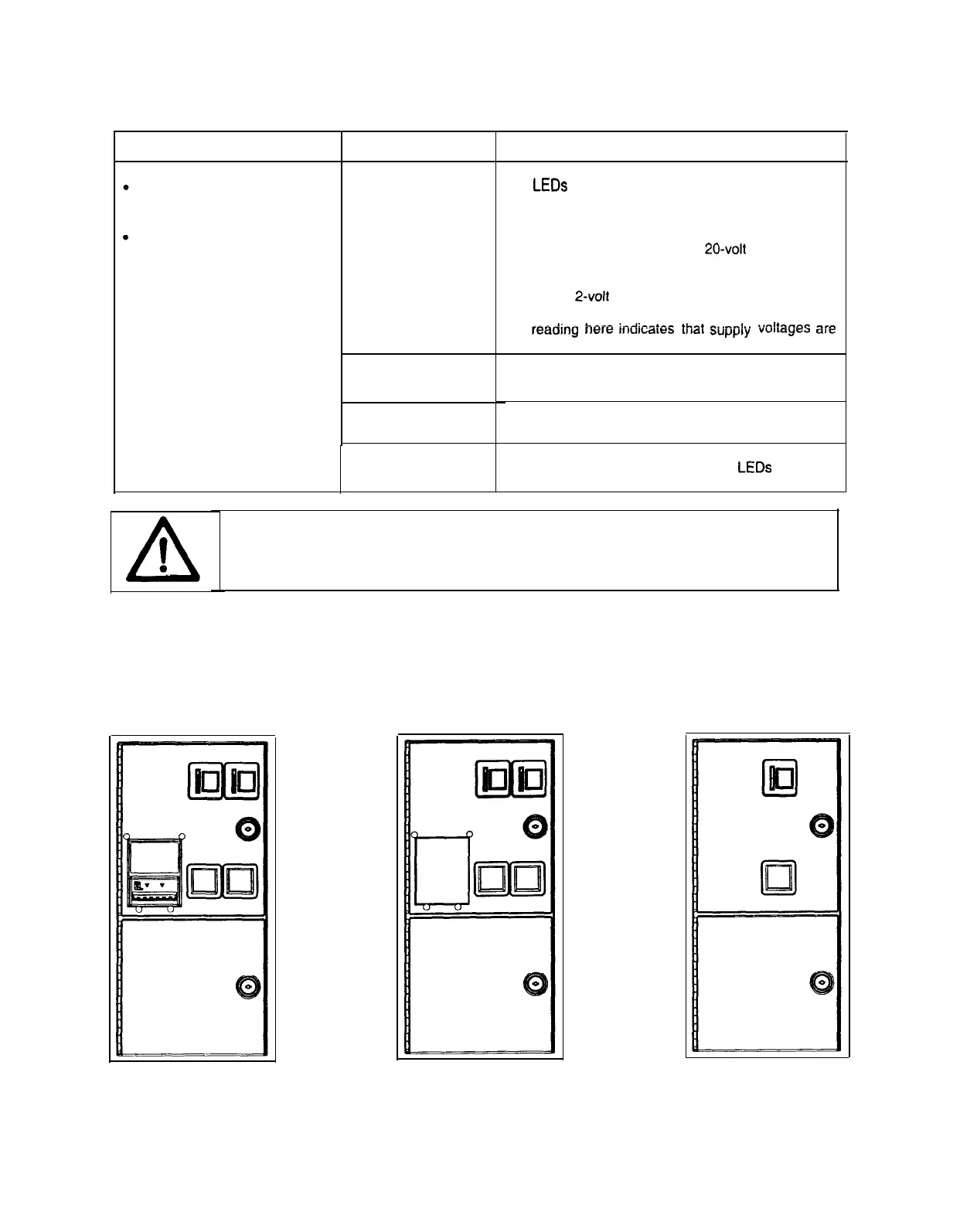
Front View of Coin Doors
7-4
4



 To Next Page