Operating instructions AQUAMAX
®
BASIC/CLASSIC
ATB WATER GmbH, Südstraße 2, D-32457 Porta Westfalica, www.atbwater.com /
Art.-No.: 9060 0270 / Status: 09.06.2023 /
Page 12 from 36
Info indication / Current phase
This is followed by a change to the information display. The system type, the
selected number of PTs, the software version and serial number of the
sewage treatment plant type (or SSID for mobile access) are displayed..
With this commissioning is completed. Changes can be made by qualified personnel in service
mode.
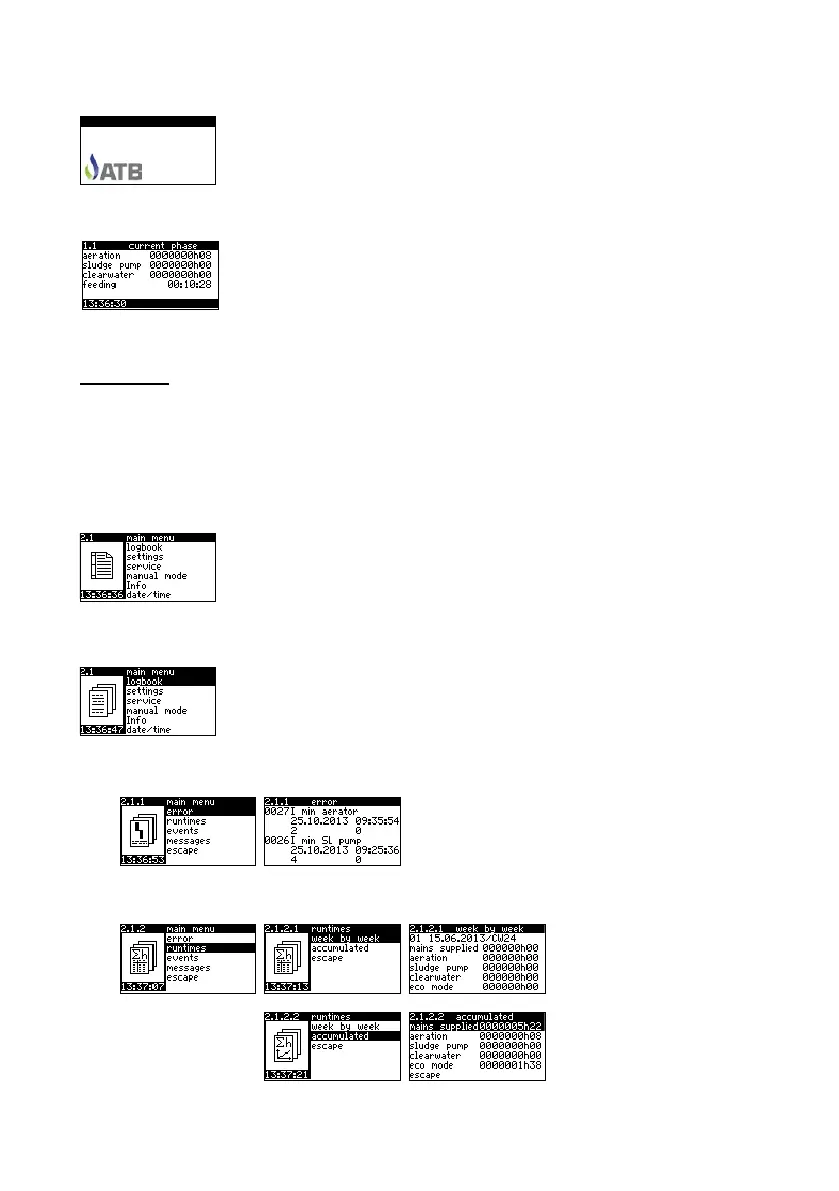
The current phase is indicated after ca. 5 minutes. By pressing ↑↓ you,
however, have the possibility of changing over again to info indication or to
the main level.
The indication of the current phase informs you about the current status of
the wastewater treatment plant. Indicated are the operating hours of the individual units, the
current cycle phase and its duration as well as the time. In the case of malfunction, in addition, the
fault which has occurred is indicated.
ATTENTION: Feeding is integrated in a 10-minute feeding phase! The remaining time of the
feeding phase is shown in the display. The actual feeding (according to the presetting) only takes
place at the end of the feeding phase!
By a single pressing of any key the background lighting is activated lapses 5 minutes after the last
operation of a key).
Main Level
In the main level you have the possibility, using OK, ↑↓ and OK again, of
accessing various sub-menus, which enables the acquisition of further
information, amendment of settings or moving into manual operation.
You leave the main level through ↑↓ until the point Return and OK.
Logbook
All relevant errors, run times, events and messages are lodged in the
logbook.
You access the individual points using ↑↓ and OK.
Errors
Recording of the error messages which have
arisen (max. 1000). An explanation of the
indicated messages can be found in the appendix.
Return using OK.
Run times
You can have the run times
shown in a weekly summary
and over the complete
operating time.
1.0 Info .
ATBcontrol 3 Connect
AQUAMAX CLASSIC
EW4
1.10.26
1000


 To Next Page