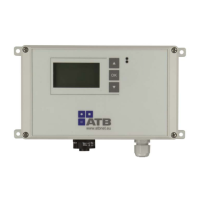
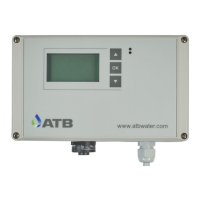
Operating instructions AQUAMAX
®
BASIC/CLASSIC
ATB WATER GmbH, Südstraße 2, D-32457 Porta Westfalica, www.atbwater.com /
Art.-No.: 9060 0270 / Status: 09.06.2023 /
Page 21 from 36
signalling device!
To connect the contact, carefully break out the pre-punching in the housing and insert the cable
through a suitable M16 size gland to maintain the degree of protection of the housing.
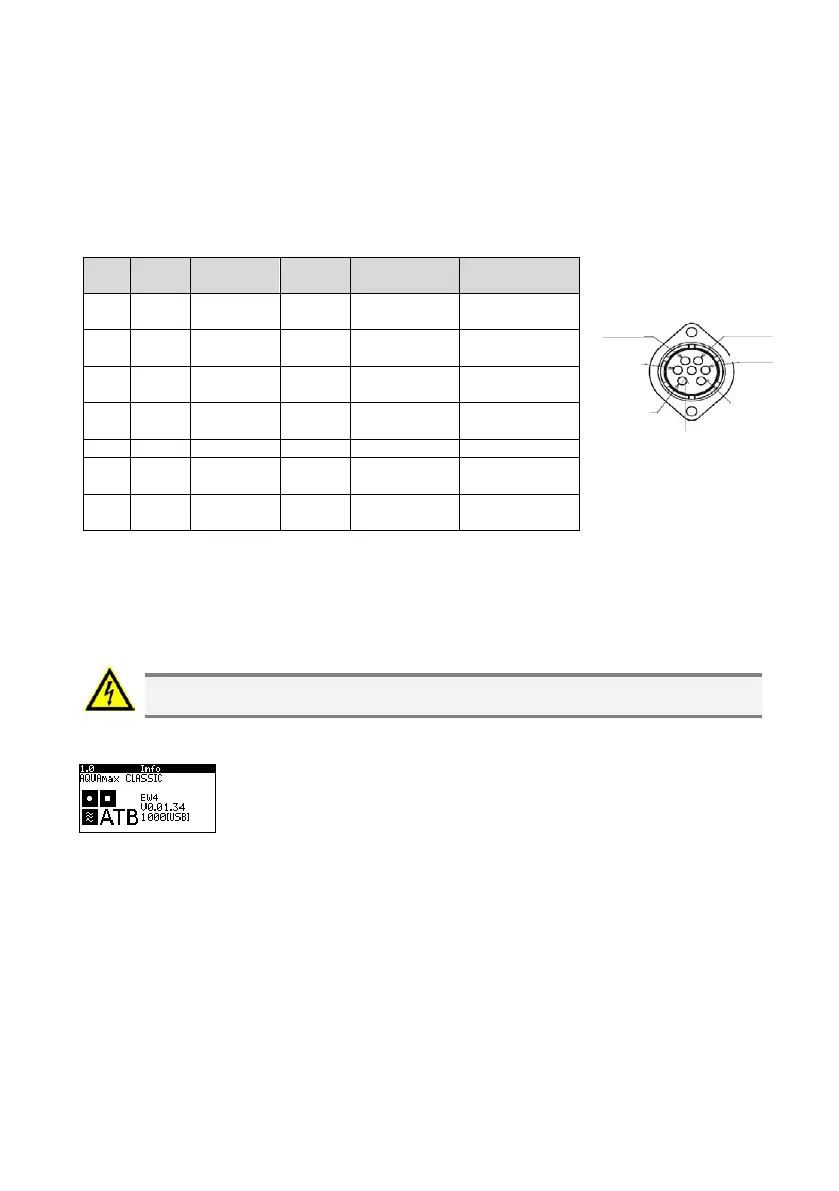
Configuration of the Connection Socket
(Plan view casing exterior)
Pin
plug
Colour
Solder
joint
AC/ DC
Function
CLASSIC
Function
BASIC
1 Blue N
230V
C
Neutral lead
(Mains)
Neutral lead
(Mains)
2 Black T1.3
230V
C
Phase aerator Phase aerator
3 Brown T1.1
230V
C
Phase sludge
pump
Neutral clarified
water pump
4 Violet T1.2
230V
C
Phase clarified
water pump
Phase clarified
water pump
5 Orange IN1 12V DC Float 12V feed Float 12V feed
6
White
(blue)
N 12V DC Float return Float return
7
Yellow/
green
PE PE
PE earth
conducto
PE earth
conducto
USB Connection
You have the possibility of reading the logbook data via the USB connection (e.g. using USB stick).
For this, open the control unit and insert the USB stick in the socket provided.
ATTENTION! Voltage carrying component. Implementation by qualified personnel
only!
If the unit is ready there is an acoustic signal. The info window must be visible in the display.
Press the ▲ and OK keys simultaneously. A renewed acoustic signal
indicates the successful transfer of data. The data can be read subsequently
as an Excel file.
Pin 4
Pin 5
Pin 6
Pin 1
Pin 2
Pin 3
Pin 7


 To Next Page