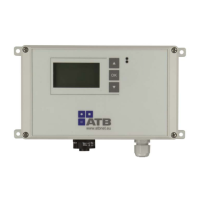
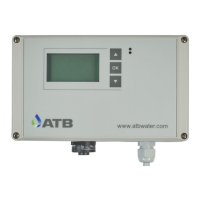
Operating instructions AQUAMAX
®
BASIC/CLASSIC
ATB WATER GmbH, Südstraße 2, D-32457 Porta Westfalica, www.atbwater.com /
Art.-No.: 9060 0270 / Status: 09.06.2023 /
Page 23 from 36
Mobile access via WiFi-Direct
With the ATBcontrol
©
3 Connect, you have the option of conveniently accessing the settings or
making changes using a mobile end device (smartphone, tablet, laptop) up to a distance of approx.
25 m from the control unit.
If necessary, you can check the running times directly at the treatment plant, gain insight into the
logbooks, put aggregates into operation and determine the power consumption.
For this purpose, the ATBcontrol
©
3 Connect provides a local WiFi network that you can log into
with your end device.
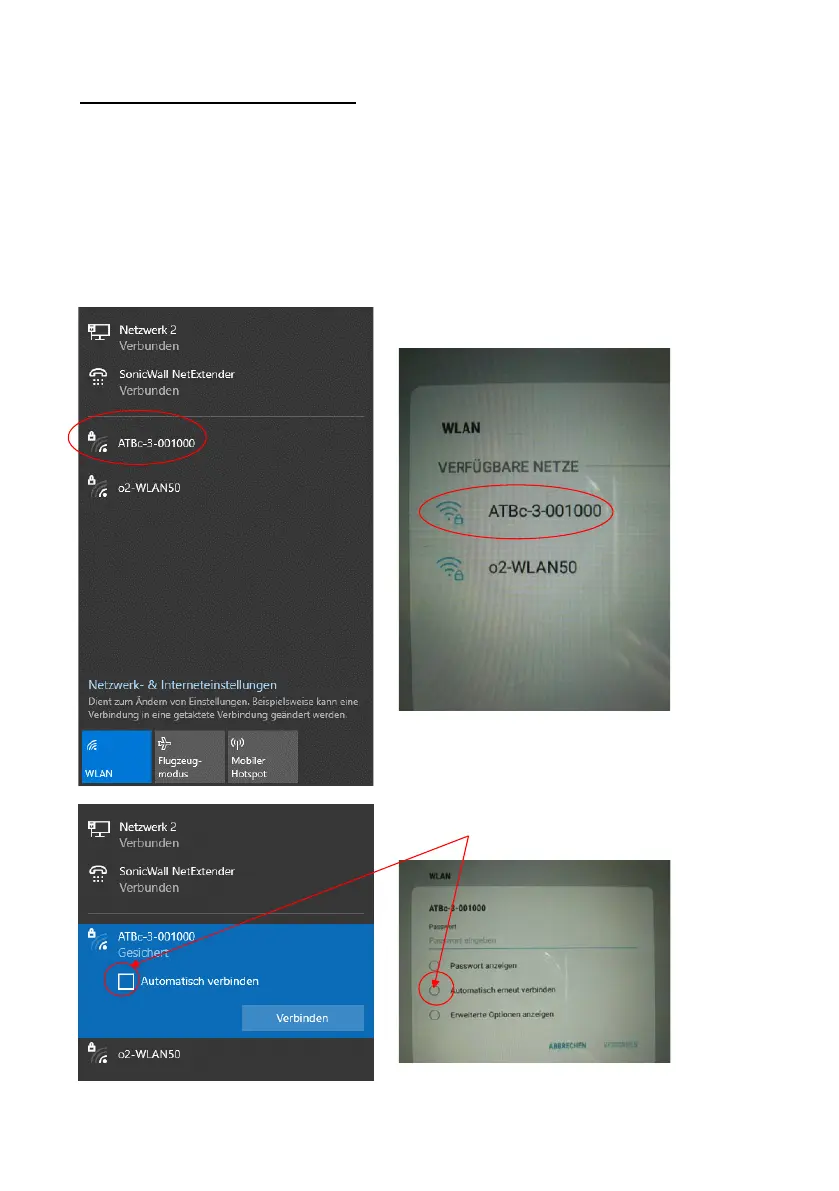
To do this, dial into the corresponding network (the displays may differ slightly depending on the
end device):
The network to be selected corresponds to the SSID
in the WiFi settings of the control unit.
Please remove - if possible - the mark for automatic
connection! After the 300s timeout, it is possible that a
terminal connects to another WLAN and the control
unit becomes "free" again. Only one device can
connect to a control unit at a time.


 To Next Page