ATC Electrical & Mechanical,
ATC House, Broomhill Drive, Tallaght, D24 EF99, Ireland
IE: 01 4678301, UK:0203 564 9164, Email sales@atc.ie
-9-
SETTING THE RUNNING TEMPERATURES
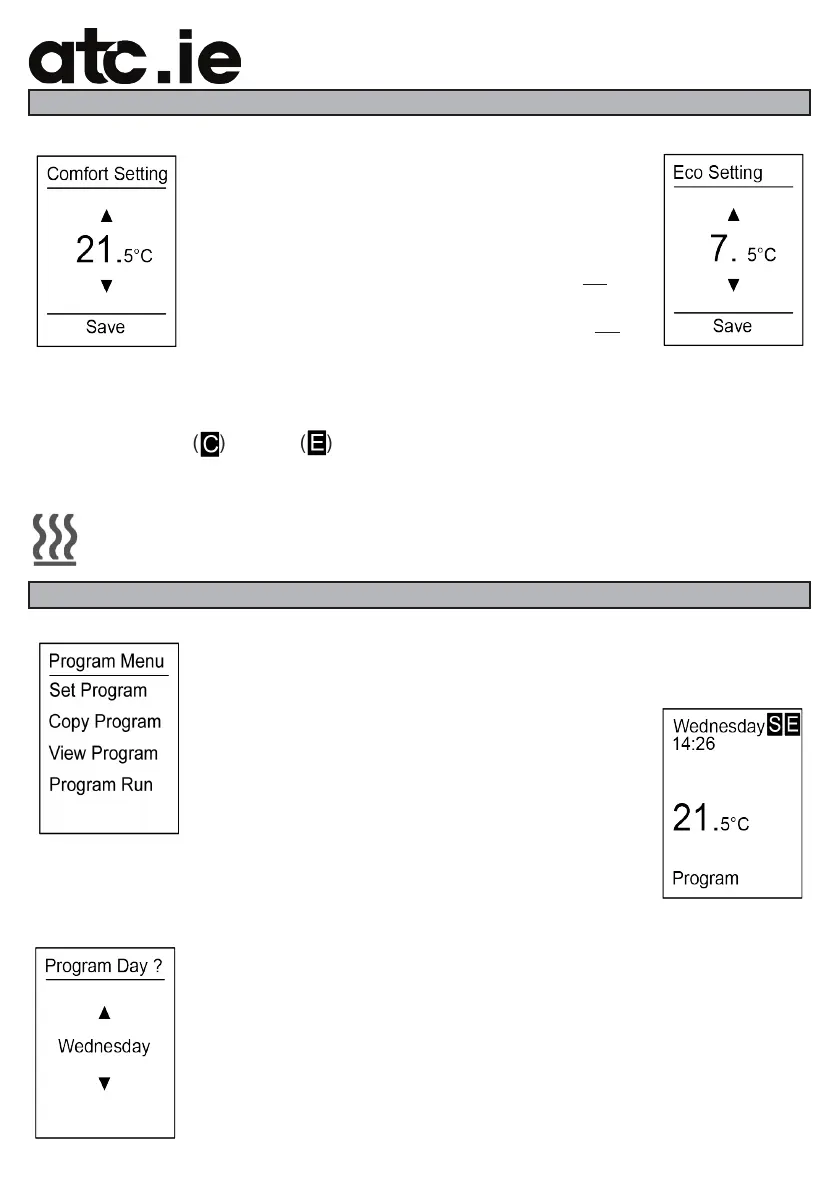
Temperature Set-points:
There are two adjustable temperature settings that
can be individually set. These set points are used for
the “on” and “o” settings for the heater.
The Comfort setting is used for the room temperature
that you want to maintain when the heater is on.
The Economy setting is for when the heater is o.
The Factory Default Setting for Comfort is 21°C and for Economy is 7°C, both of these
settings are reset to the factory default when you reset the heater.
To indicate which temperature setting is active when the heater is in program run mode
there is either a C ( ) or an E ( ) shown beside the Weekday .
Heating Indicator:
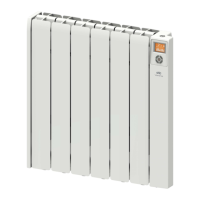
In any of the operation modes the Almeria Eco heater will display the indicator
shown on the left on the bottom of the display to indicate that the elements are
turned on.
PROGRAM MENU
The Almeria Eco heater is equipped with a 24 hour 7 day time-clock
with 4 time periods per day. Each time period can be programmed with
an hour and minute time setting.
Each entered setting is for comfort temperature, time
periods outside of the set times are maintained at the
economy setting.
The Program menu has 4 settings, Set Program,
Copy Program, View Program and Program Run.
To enter a program into the Almeria Eco heater bring up the settings
menu from any of the operation screens, select Program menu and
touch enter.
When in the Program menu select Set Program and touch enter.
The Almeria Eco heater will ask the user to select the day that they want
to program, use the ▲ & ▼ arrows to select the day and touch enter,
this will bring up the blank programming screen.


 To Next Page