Macro
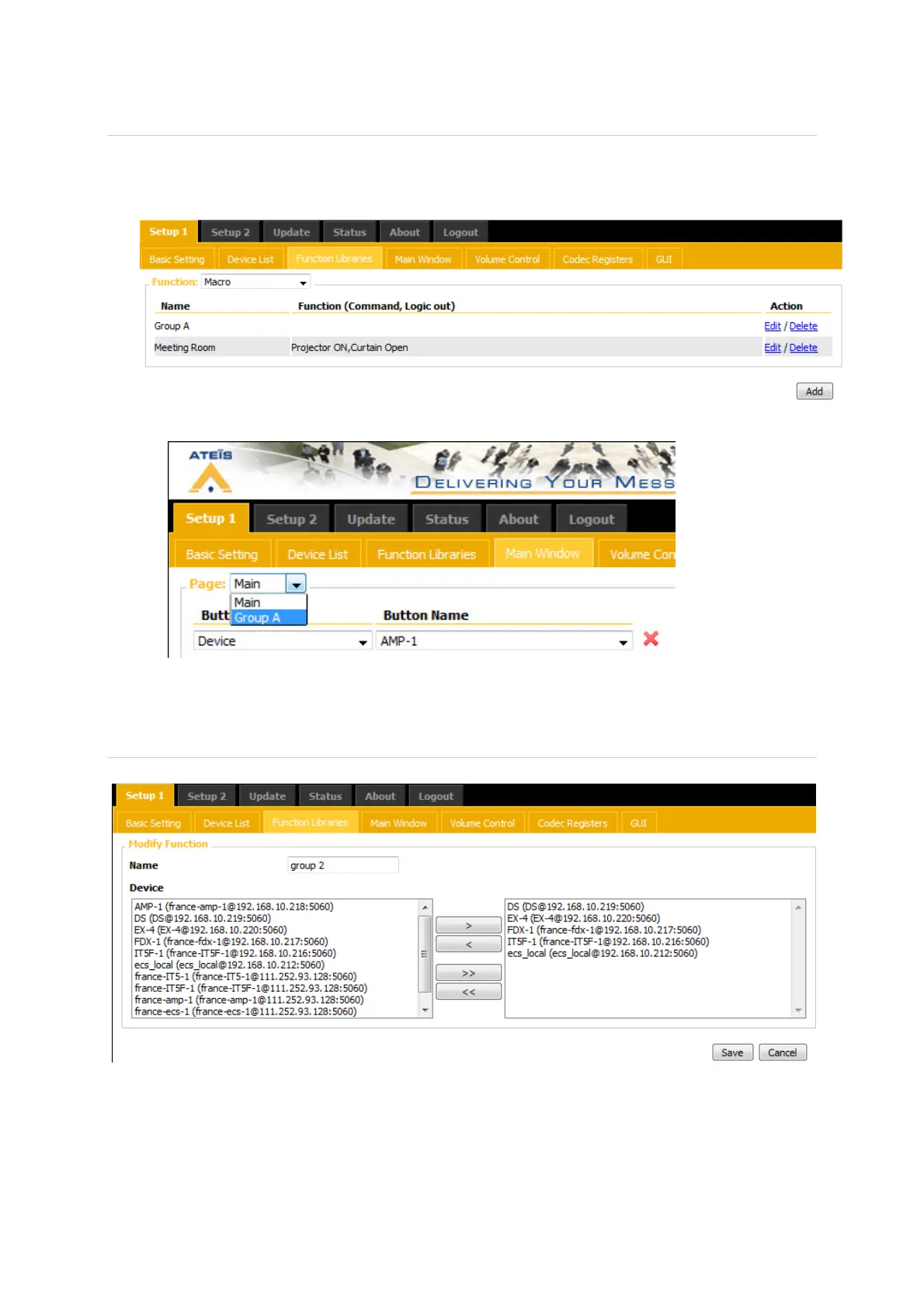
- Go in the page : Setup 1 -> function libraries -> Macro.
- Create a new macro: Add / give a name to the macro.
You can add commands to the macro. This means that you will start these commands
when you select a macro… Really rare to use it.
- Now we will add to the macro, the difference keys: Setups 1 -> Main window -> Page
In page, you should see your list of Macro.
You can add the different keys per Macro
Device Group
First create the group, used by the scheduler:
Then, go in the scheduler page: Setup2 ->Scheduler
If you select command: play Message, you will be able to choose your device group.



 To Next Page