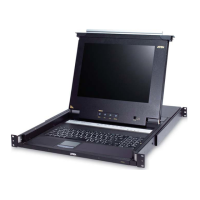
Chapter 2. Hardware Setup
13
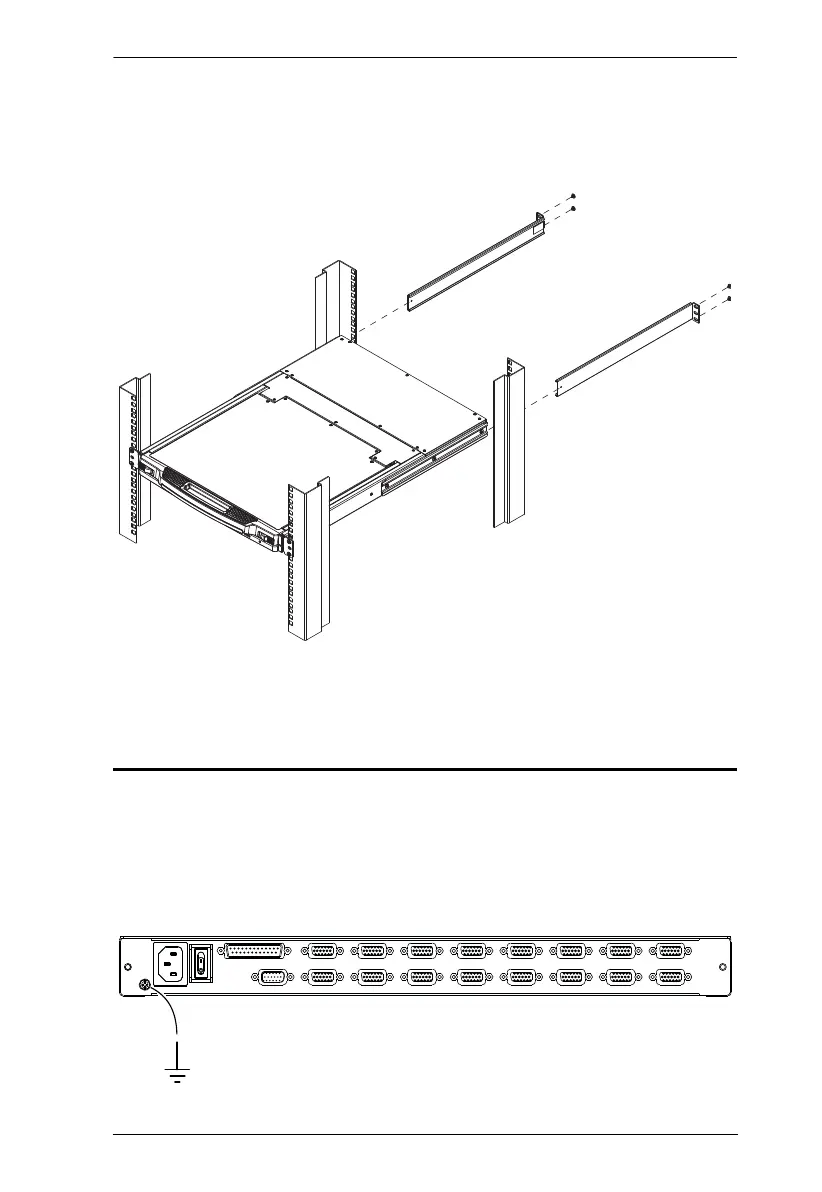
2. While the first person still holds the switch in place, the second person
slides the L brackets into the switch's side mounting brackets, from the
rear until the bracket flanges contact the rack, then screws the L brackets
to the rack.
3. After the L brackets have been secured, tighten the front bracket screws.
Grounding
To prevent damage to your installation it is important that all devices are
properly grounded.
Use a grounding wire to ground the CL5708 / CL5716 by connecting one end
of the wire to the grounding terminal, and the other end of the wire to a suitable
grounded object.



 To Next Page