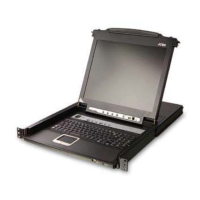
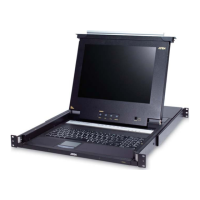
CL5708 / CL5716 User Manual
24
Powering Off and Restarting
If it becomes necessary to power off the CL5708 / CL5716, do the following
before restarting it:
1. Shut down all the computers that are attached to the CL5708 / CL5716.
Note: Unplug the power cords of any computers that have the Keyboard
Power On function. Otherwise, the CL5708 / CL5716 will still
receive power from the computers.
2. Unplug the CL5708 / CL5716 from its power source.
3. Wait 10 seconds, then plug the CL5708 / CL5716 back in.
4. After the CL5708 / CL5716 has started and ascertained its station ID,
power on the computers.
Note: If you have shut down more than one station, power up the highest
station first and work your way down to the lowest one.



 To Next Page