21
Chapter 3
Basic Operation
Opening the Console
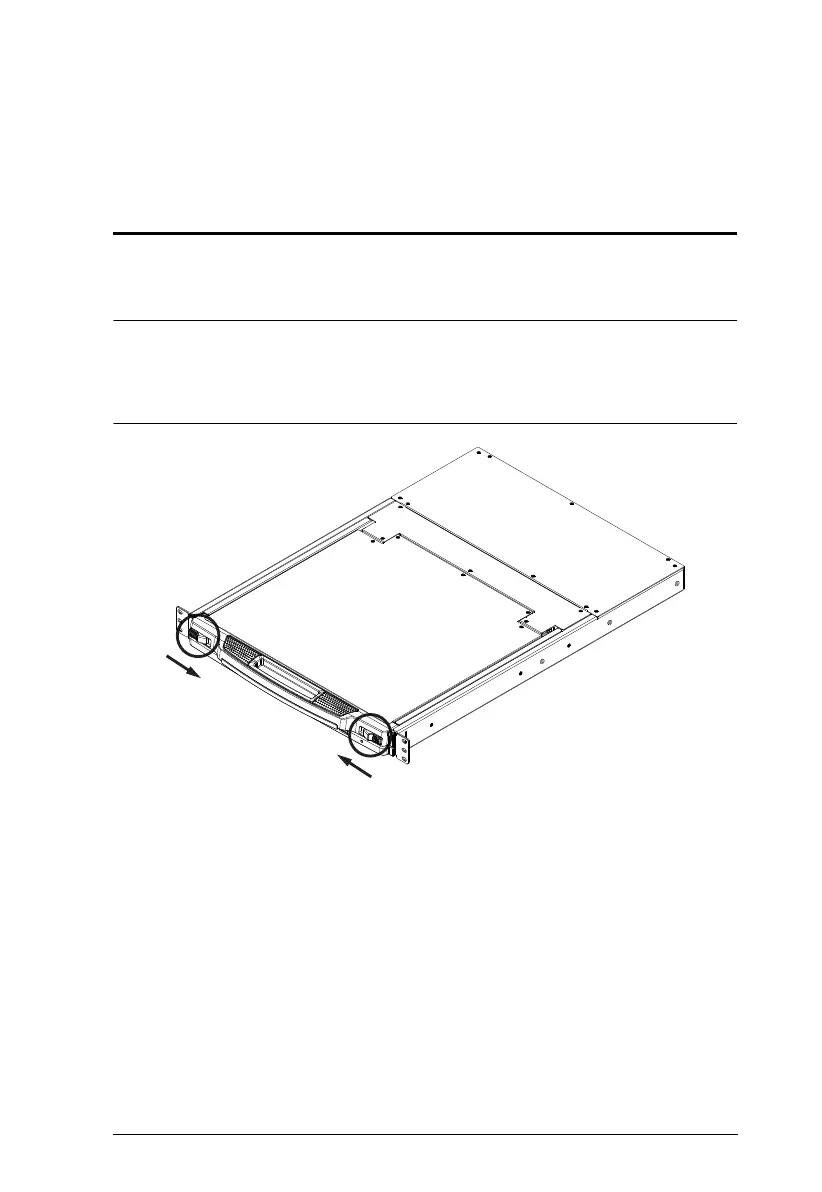
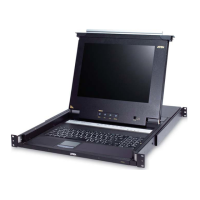
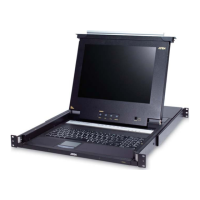
The CL5708 / CL5716's console is located under the top cover. To access the
console, slide the console module out and raise the cover.
Note: As a safety precaution, to keep the console from accidentally sliding
out, the console is locked into the In position. Before you can pull the
console module out, you must release it by pushing the catches on the
unit's front panel toward the center of the switch.



 To Next Page