CL5708 / CL5716 User Manual
22
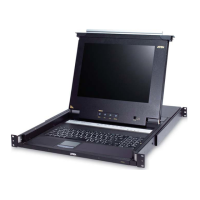
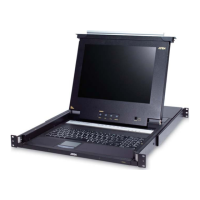
Closing the Console
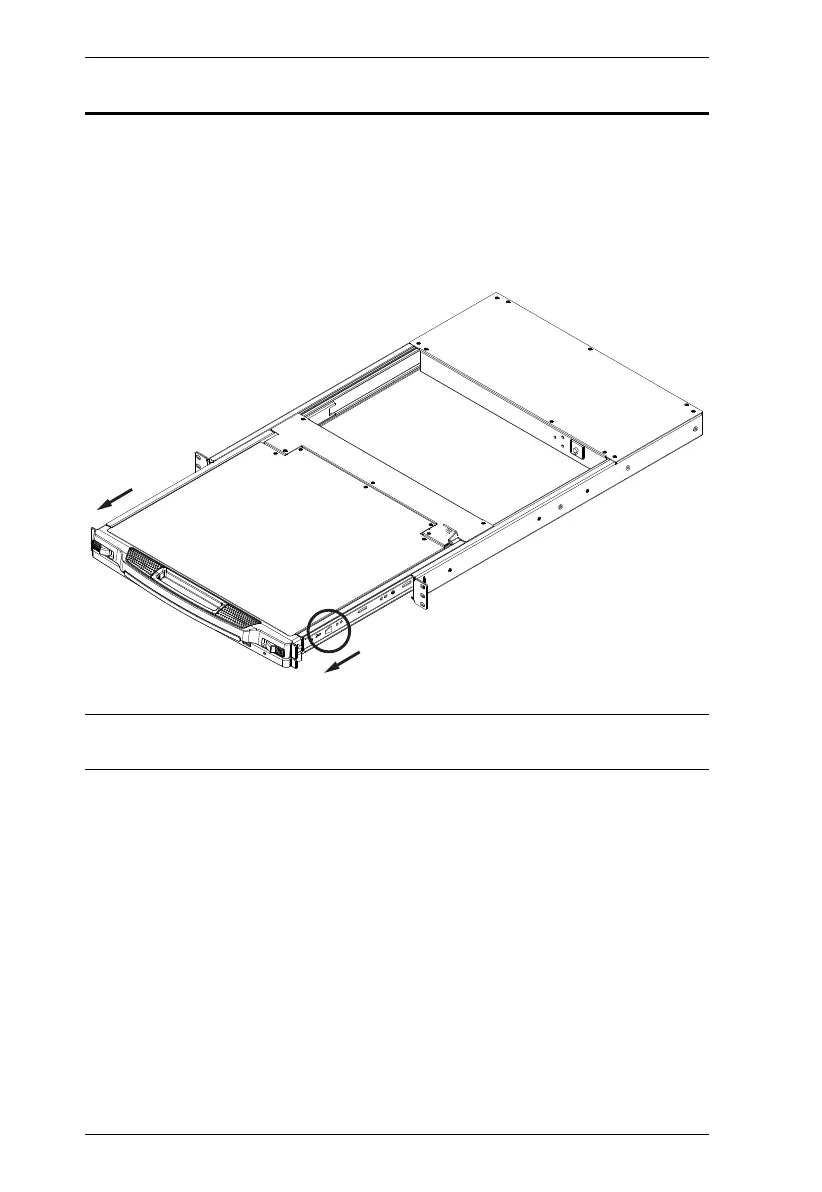
To slide the console module back in, close the cover and do the following:
1. Pull the safety catches on the unit's side rails toward you and push the
module in until it stops.
2. Release the catches; pull the module slightly toward you; then push it all
the way in.
Note: The reason for the two step procedure is to minimize the chances of you
pinching your fingers when sliding the module in.



 To Next Page