Chapter 3. Basic Operation
15
Alternative Manual Port Selection Settings
When Hotkey Setting Mode has been activated, pressing [S] will invoke the
alternative front panel pushbutton manual port selection functions, as
explained below:
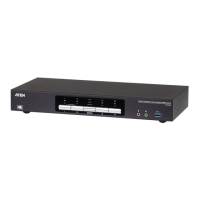
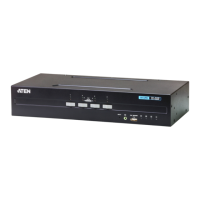
Press a port selection pushbutton once to bring the KVM, audio and USB
focus to the computer attached to its corresponding port.
Press a port selection pushbutton twice to bring the audio focus to the
computer attached to its corresponding port.
Press and hold a port selection pushbutton for more than 2 seconds to
bring only the KVM focus to the computer attached to its corresponding
port.
Press and hold port selection pushbuttons 1 and 2 for more than 2 seconds
to start Auto Scan Mode, see page 19 for details.



 To Next Page
 Loading...