Chapter 4. Hotkey Operation
23
Keyboard Language
To change the keyboard language, do the following:
1. Invoke HSM (see page 20).
2. Press [F6] [nn] [Enter].
Note: nn is a two-digit number that represents the keyboard language code
(US English: 33; French: 08; Japanese: 15; German: 09).
Hotkey Beeper
The Beeper can be hotkey toggled On and Off. To toggle the Beeper, do the
following:
1. Invoke HSM (see page 20
).
2. Press and release [B].
The Beeper toggles On or Off.
Port Switching Keys
To disable the Port Switching Keys ([Scroll Lock] [Scroll Lock] / [Ctrl] [Ctrl]),
do the
following:
1. Invoke HSM (see page 20 for details).
2. Press [X] [Enter].
Note: This procedure is a toggle. To enable the Port Switching keys, repeat
steps 1 and 2.
Firmware Upgrade Mode
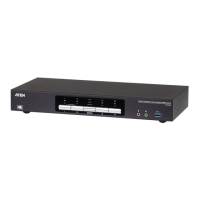
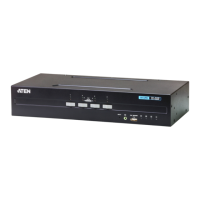
To set the CS1922 / CS1924 to Firmware Upgrade Mode, do the following:
1. Invoke HSM (see page 20 for details).
2. Key in: upgrade
3. Press [Enter]. The front panel LEDs flash to indicate the upgrade has
started.
Note: To exit Firmware Upgrade Mode, you must power off the switch.



 To Next Page
 Loading...