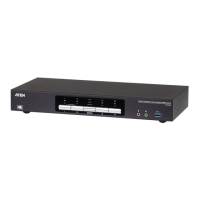
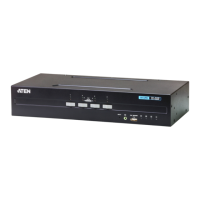
CS1922 / CS1924 User Manual
30
4. At the other end of the USB cable, connect the USB Type B connector to
the Type B USB port in the Port 1 KVM section.
Note: The USB cable's USB Type B connector can be connected to any
KVM port section, but the Port Selection pushbutton in Step 5,
below, must be Port 1.
5. Press and hold the Port 1 selection pushbutton. While you are holding the
button, connect the power adapter to the CS1922 / CS1924 to enter
Firmware Upgrade Mode. The front panel LEDs flash together to indicate
Firmware Upgrade Mode is in effect.



 To Next Page
 Loading...