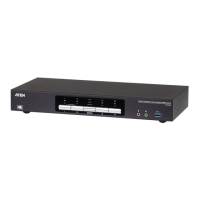
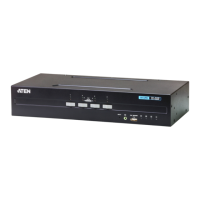
CS1922 / CS1924 User Manual
32
4. As you select a device in the list, its description appears in the Device
Description panel.After you have made your device selection(s), click
Next to perform the upgrade.
If you enabled Check Firmware Version, the Utility compares the device’s
firmware level with that of the upgrade files. If the device’s version is
higher than the upgrade version, a dialog box gives you the option to
Continue or Cancel.
If you did not enable Check Firmware Version, the Utility installs the
upgrade files without checking whether they are a higher level, or not.
As the Upgrade proceeds, status messages appear in the Status Messages
panel, and the progress toward completion is shown on the Progress bar.



 To Next Page
 Loading...