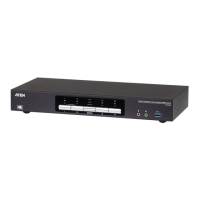
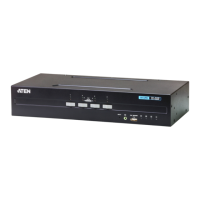
CS1922 / CS1924 User Manual
40
USB devices not
responding.
USB ports need to be
reset.
Unplug the device’s USB cable from
the USB port on the switch’s rear
panel, then plug it back in.
Use the USB Reset hotkey
combination (see page 22), to reset
the USB ports.
Symptom Possible Cause Action



 To Next Page