- 11 -
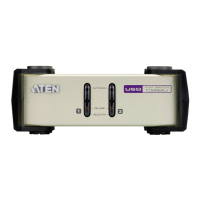
6 port LEDs The port LEDs indicate status.
The LED lights on to indicate that the
computer attached to the
corresponding port is selected and has
the KVM focus.
The LED flashes to indicate that the
computer attached to its
corresponding port is being scanned
by the Auto Scan function.
The LED is off to indicate the port is
not selected.
7 computer monitor
port
Your computer DisplayPort output
plugs in here.
8 computer audio
ports
Your computer audio output plugs in
here.
9 computer USB
keyboard /
mouse ports
Your computer USB cable plugs in
here.
10 port selection
pushbutton
Press the Port Selection Pushbutton to
toggle the KVM and Audio focus
between the two computers.
No. Component Description



 To Next Page
 Loading...