33 34
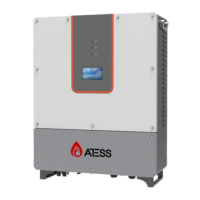
Language Settings: Select language, currently it only supports Chinese, English
(default language is Chinese).
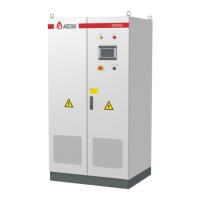
Time settings: system time setting (if the date and time displayed on LCD is not
inconsistent with the actual date and time, they can be modified here)
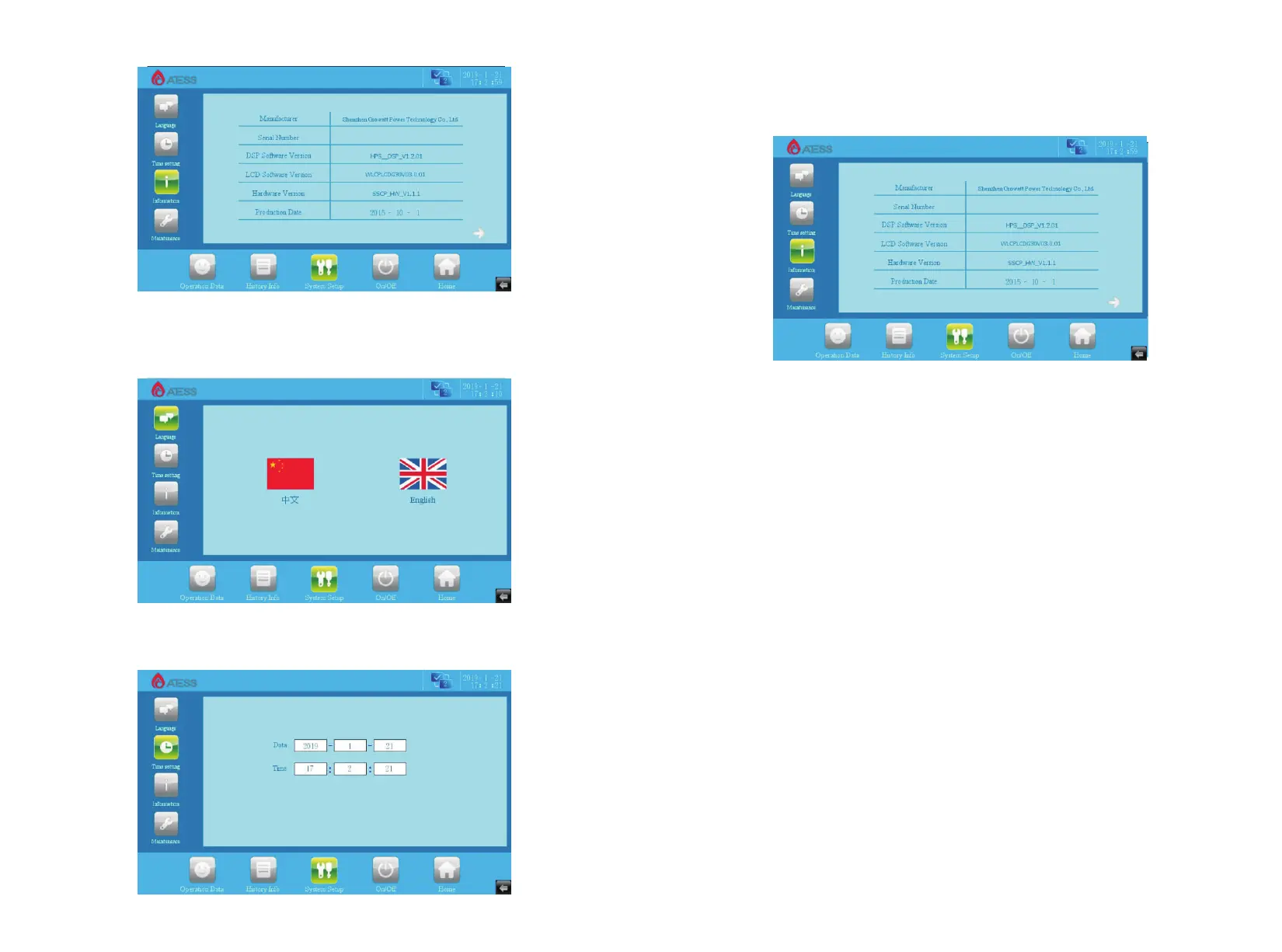
Device Information: This page shows the manufacturer, inverter serial number,
hardware and software version information, and the date of manufacturing.
Maintenance: the interface requires a password to login. It is for electrician and
maintenance personnel who are fully familiar with the structure and working
principle of the DC grid system only, in order to avoid damage to personal safety
and the inverter.
6.2.4 Historical information
Clicking “historical information” can enter into the sub-menu of the "historical
information".
The submenu includes: history of failure.
History of failure: all the common history of failure details can be found by flipping
the page up and down.
The common fault information, see table 6.3.1.


 To Next Page