35
36
6.2.5 Operation data
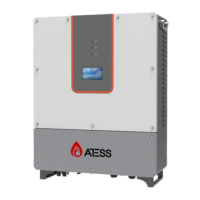
Clicking the “Operation data” in any interface will enter into the submenu of
“operation data”.
The sub-menu includes: real-time data, the power curve, and energy yield figure.
Pressing the left button can enter into the corresponding sub menu interface. The
default interface is the real-time data interface.
Insert USB Disk on the back of the LCD display, and the real time operation data
will be stored in the USB Disk in every minute. Inverter will create a “CSV” format
file every month in the USB disk for data storage.
Real-time data: current DC power generation parameters and real-time data
including the grid voltage, the grid frequency, the grid current, DC input voltage,
DC input current, the internal temperature of the chassis as well as the total power
generation time (updated in real time).
6.3 LCD display information schedule
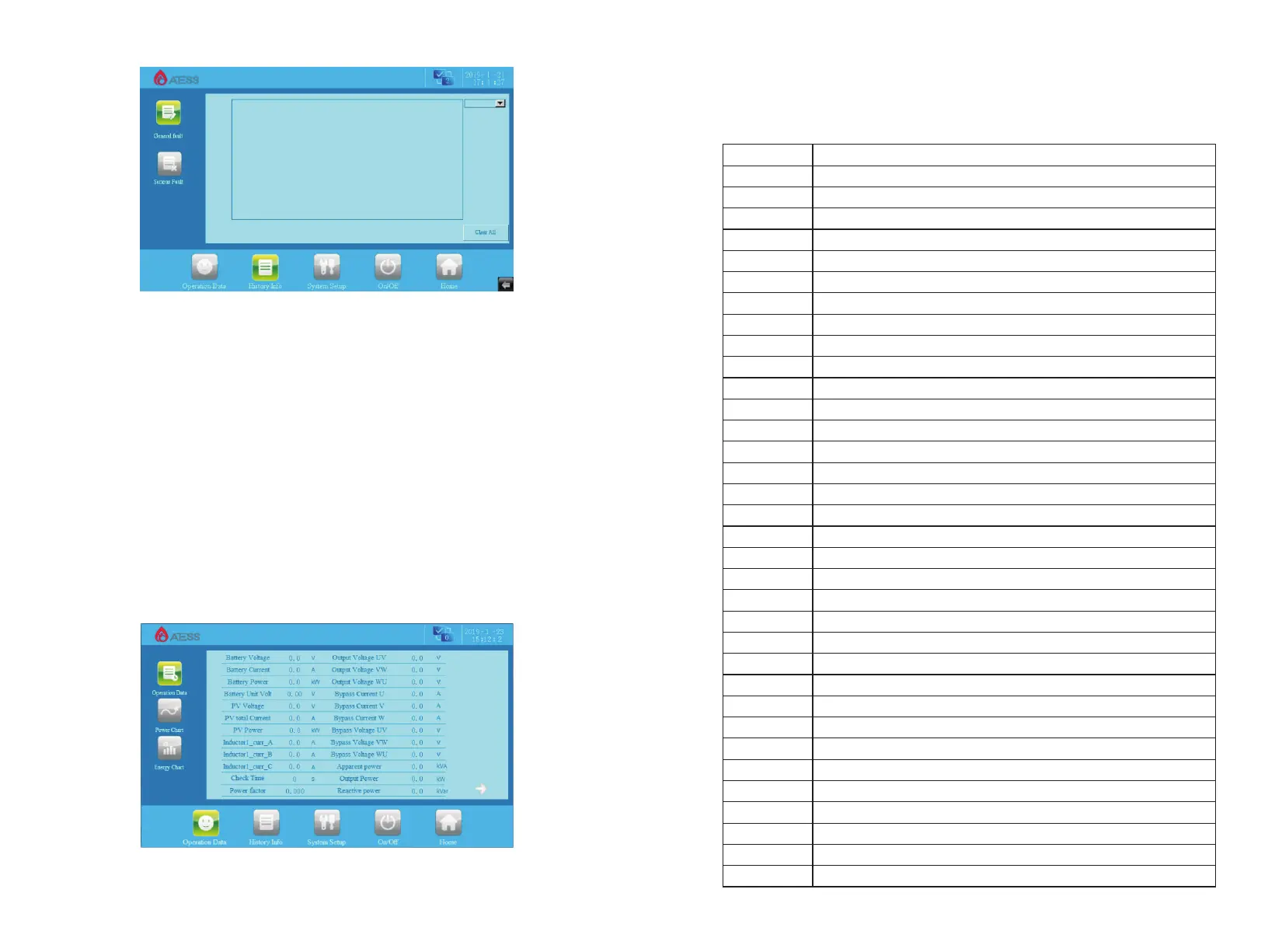
6.3.1 General history failure table
No. information
1
2
3
4
5
6
7
8
9
10
11
12
13
14
15
16
17
18
19
20
21
22
23
24
25
26
27
28
29
30
31
32
32
33
DC_Inverse_Failure
IGBT_Failure
EEPROM_Write_Failure
EEPROM_Read_Failure
AC_MainContactor_Failure
AC_SlaveContactor_Failure
RISO_Failure
DC_VoltHigh_Fault
DC_CurrHigh_Fault
DC_OCP_Fault
INT_DC_OverVolt_Fault
INT_DC_OverCurr_Fault
IGBT_Module_Fault
L_OCP_Fault
AC_NoUtility_Fault
AC_GridPhaseSeque_Fault
AC_PLL_Fault
AC_Volt_Unbalance_Fault
AC_Curr_Unbalance_Fault
AC_WU_OverVolt_Fault
AC_WU_UnderVolt_Fault
AC_VW_OverVolt_Fault
AC_VW_UnderVolt_Fault
AC_UV_OverVolt_Fault
AC_UV_UnderVolt_Fault
AC_OverFreq_Fault
AC_UnderFreq_Fault
AC_GridCurr_DcHigh_Fault
AC_L_Curr_DcHigh_Fault
AC_OverCurr_Fault
AC_L_Curr_High_Fault
AC_Overload_Fault
AC_Overload_Fault
LVRT_Fault


 To Next Page