EasyManua.ls Logo

Atlantic F617 - Maintenance; Maintenance Safety and Cleaning; Operation; Control Panel and Interface

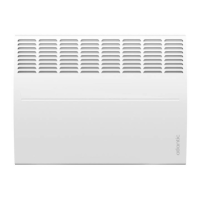
Atlantic F617
Print Icon
To Next Page IconTo Next Page
To Previous Page IconTo Previous Page
Loading...
24
MAINTENANCE
Before any maintenance action, cut the power supply to the
appliance. To maintain the appliance's performance, it needs to be
dusted approximately twice a year.
Never use abrasive products or solvents.
Operation
UNIT
Press any button to activate the display.
SWITCH
There is an on/off switch located at the rear of the appliance control unit.
Only use this to switch off the appliance for long periods of time
(period without heating; Frost Protection mode should be used for
periods of several days).
If you have set the date and time, when the appliance is powered off, you may be asked to reset
these.
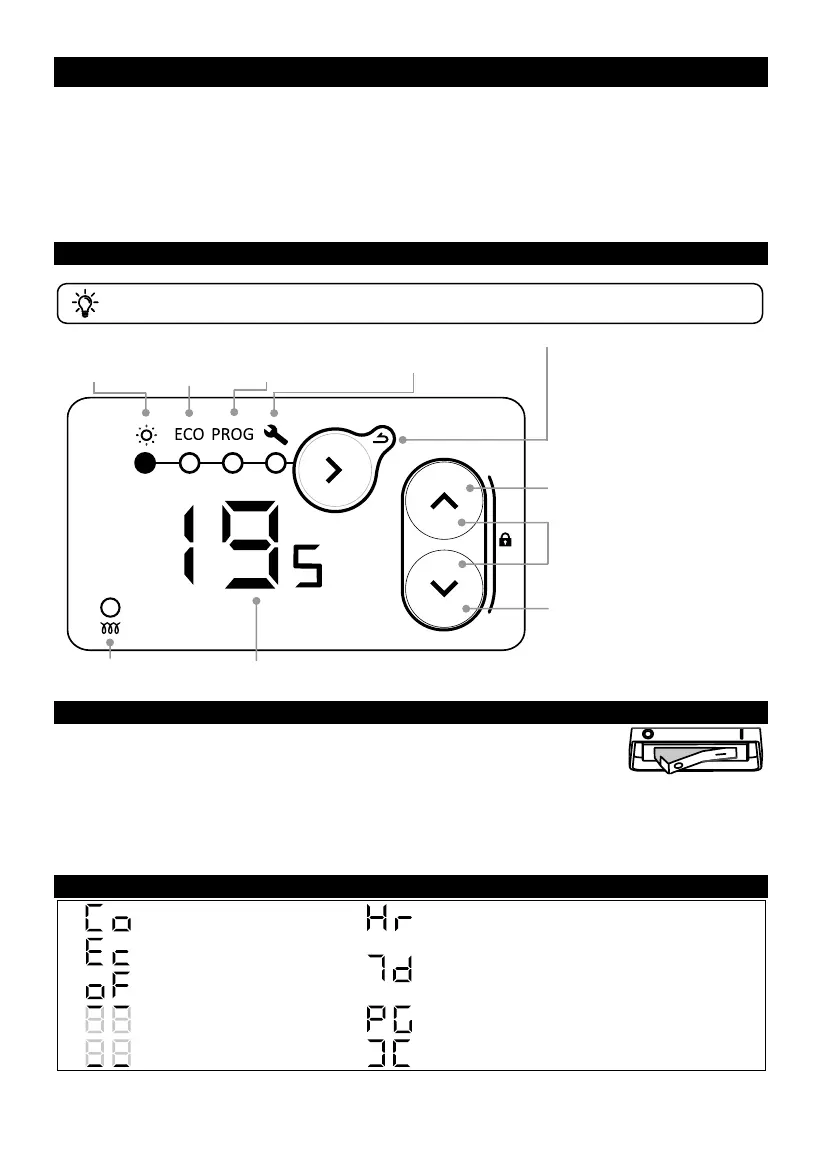
DISPLAYS

Comfort temperature
Setting the time and day
Eco temperature
Allocation of predefined programs to the 7
days of the week
No heating
Enter menu
Personalise programs
Exit menu
Window open detection
Decrease
Lock
(press and hold both buttons)
Increase
Switch mode
Access the settings
Confirm
Back (long press)
Heating indicator
Set temperature
Programming
mode
Comfort
mode
Eco
mode
Parameters

Other manuals for Atlantic F617

Related product manuals