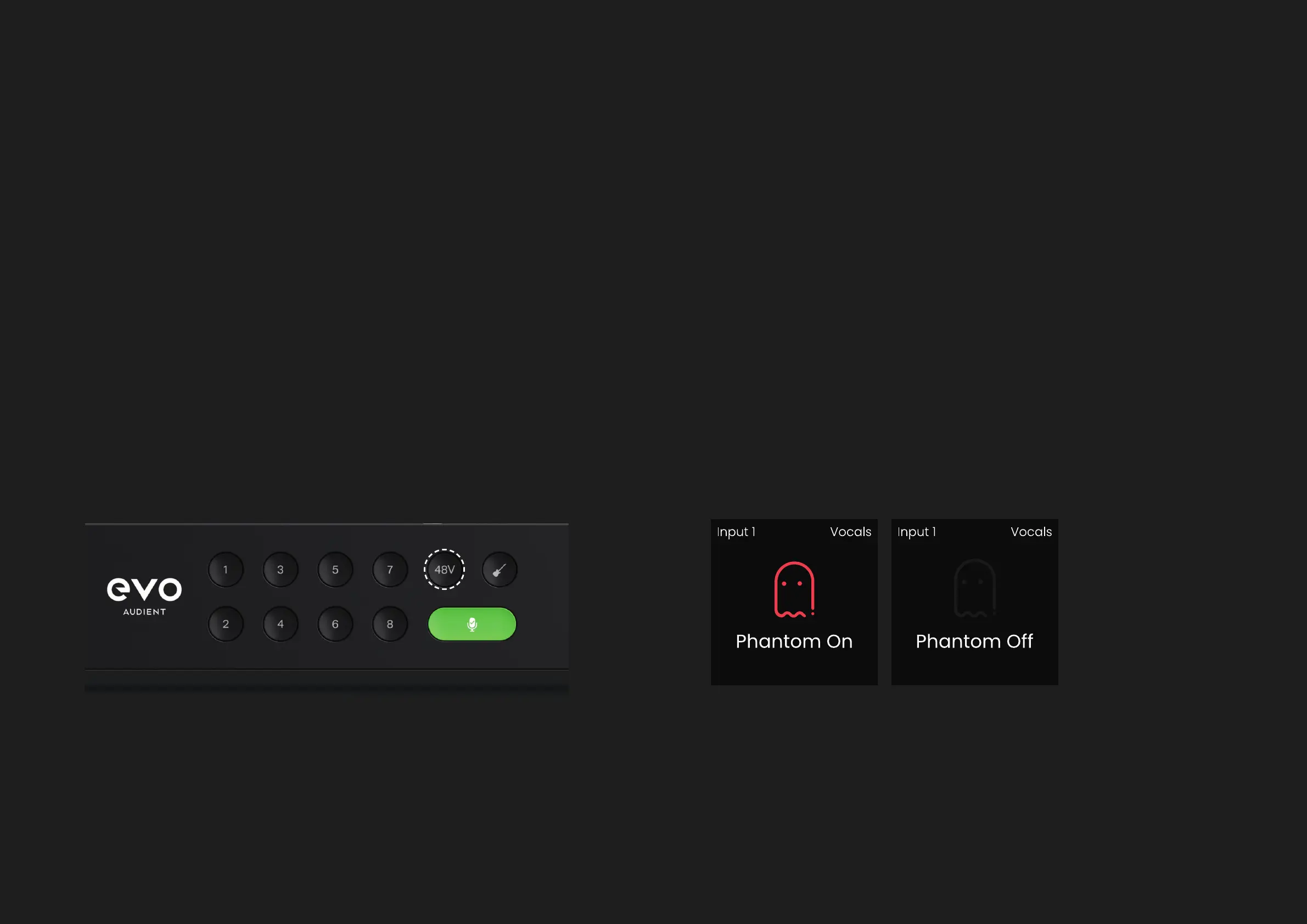
Some microphones will require phantom power in order to function. This is
+48 volts of power sent via the XLR cable and used to correctly power up
the microphone and allow it to work.
Microphones that require phantom power are typically condenser
microphones.
In rare cases, some microphones that don’t require phantom power can
be damaged by providing phantom power to them so we’d recommend
checking the microphone’s documentation to see if you need to provide
phantom power or not.
Phantom Power (48V)
HARDWARE HARDWARE
To activate phantom power, select the channel, then press the 48V button,
which will then illuminate red as well as activate a temporary popup on
screen.
This is set independently per channel so if you navigate away to a dierent
channel, where phantom power isn’t activated, the 48V button will no
longer be illuminated.
To turn o 48V, press the 48V button again, which will display the feature
toggle screen.
When turning on and o phantom power, EVO 16 will automatically mute
the input to avoid unwanted noises coming through to your speakers or
headphones.



 To Next Page