EasyManua.ls Logo

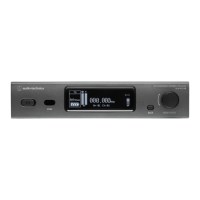
Audio Technica ATW-R3210N - User Manual

Audio Technica ATW-R3210N
35 pages
Print Icon
To Next Page IconTo Next Page
Loading...
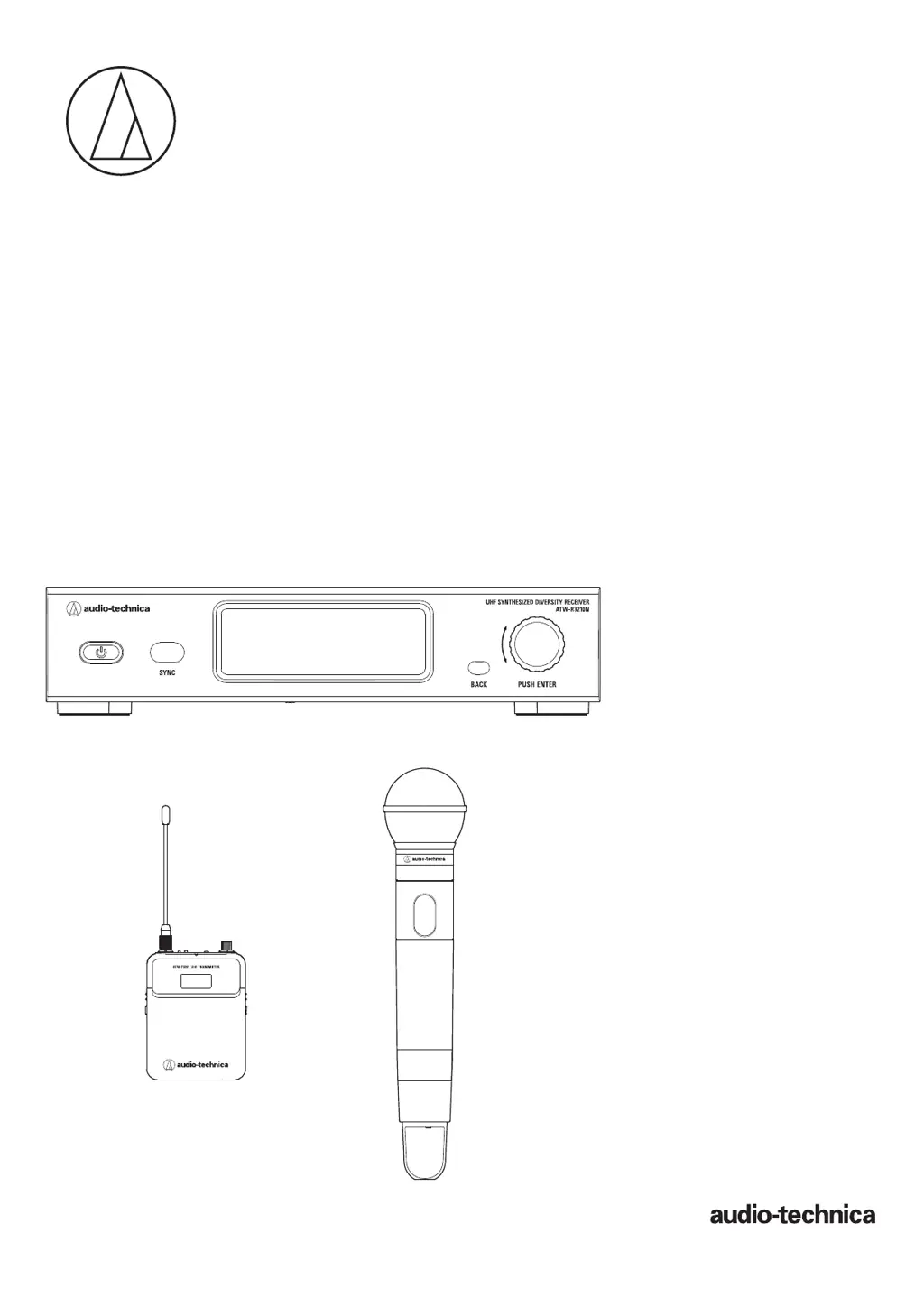
User Manual
UHF Wireless Systems
ATW-R3210N
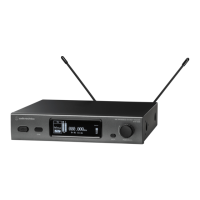
Receiver
ATW-T3201
Body-Pack Transmitter
ATW-T3202
Handheld Transmitter
3000 Series

Questions and Answers

  • C
    Christian NortonAug 14, 2025
    Why is there unwanted noise from my Audio Technica Receiver?
    • A
      andersonvickieAug 14, 2025
      Unwanted noise can occur for several reasons. Make sure there isn't a noise source nearby, such as a fluorescent lamp or electrical component. Confirm each transmitter uses a different frequency. Check that the receiver's output terminal is correctly connected and that the receiver isn't sharing an outlet with another noisy component. Also, ensure no other nearby wireless systems use the same frequency band and adjust the squelch level if needed.
  • D
    Deborah MayAug 17, 2025
    What to do if there is no voice output from Audio Technica Receiver?
    • B
      Brady HernandezAug 18, 2025
      If you're not getting any sound, or the sound is very quiet, check these things: Make sure the transmitter and receiver channels are correctly set. Ensure that the power buttons on both the transmitter and receiver are turned on. Verify the antennas are properly connected. Confirm that all connected components, like a mixer, are correctly connected to the receiver. Check that the audio output and the audio output level of connected components are not set to the minimum.
  • L
    Lori PetersAug 21, 2025
    How to fix distorted sound on Audio Technica Receiver?
    • R
      Robert MeyersAug 21, 2025
      Sound distortion can occur if the audio output level is too high, or if the volume of any connected component is too high. Ensure that the audio output level and the volume of connected components are not set too high.
  • R
    Rhonda AyersAug 25, 2025
    Why is the sound distorted on my Audio Technica Microphone system?
    • S
      Sara CarterAug 25, 2025
      If you're experiencing distorted sound with your Audio Technica Microphone system, ensure that the audio output level isn't set too high. Also, check that the volume of any connected components isn't excessively high.
  • L
    Lisa WarrenAug 27, 2025
    What to do if there is no voice output from Audio Technica ATW-R3210N Microphone system?
    • B
      baileymindyAug 27, 2025
      If you're not getting any voice output or the voice output level is low on your Audio Technica Microphone system, verify the following: * Confirm that the transmitter/receiver channels are correctly set. * Ensure that the receiver's power button is turned ON. * Check that the antennas are properly connected. * Make sure all connected components, like a mixer, are correctly connected to the receiver. * Verify that the audio output isn't set to the minimum level. * Confirm that the audio output level of connected components (such as a mixer) is not minimized.
  • T
    Tammy MorenoAug 30, 2025
    How to reduce unwanted noise on Audio Technica ATW-R3210N Microphone system?
    • M
      Mark CohenAug 30, 2025
      If you are experiencing unwanted noise with your Audio Technica Microphone system, check the following: * Ensure there isn't a noise source nearby, such as a fluorescent lamp or electrical component. * Verify that each transmitter uses a different frequency. * Confirm the receiver's output terminal is correctly connected. * Ensure the receiver isn't sharing an electrical outlet with another noisy component. * Check for other wireless systems nearby using the same frequency band and adjust the squelch level.
  • A
    alec16Sep 2, 2025
    How to reduce unwanted noise in Audio Technica ATW-R3210N?
    • C
      Curtis SimmonsSep 3, 2025
      If you're getting unwanted noise from your Audio Technica Microphone system, first check for nearby noise sources like fluorescent lamps or electrical components near the receiver. Make sure each transmitter uses a different frequency. Ensure the receiver's output terminal is correctly connected and that the receiver isn't powered from an outlet shared with a noisy component. Also, check for other wireless systems nearby using the same frequency band and adjust the squelch level accordingly.
  • S
    Sarah HodgeSep 6, 2025
    Why is the voice output low on my Audio Technica ATW-R3210N?
    • B
      Brianna HenrySep 6, 2025
      If you are experiencing no voice output or a low voice output level with your Audio Technica Microphone system, verify that the transmitter and receiver channels are correctly aligned. Also, ensure that the power switch is not turned off and that RF Power isn't off. Confirm that the transmitter isn't in mute mode and that the transmission output of the transmitter is not too low. Check that the microphone or the guitar cable is not disconnected (only for ATW- T3201). Confirm that the output volume of the musical instrument, such as a guitar, isn't set at the minimum level and that the microphone capsule is connected properly (only for ATW-T3202).
  • A
    Adrian JohnsonSep 9, 2025
    What causes unwanted noise in Audio Technica ATW-R3210N?
    • D
      Douglas OrtegaSep 9, 2025
      If you're getting unwanted noise from your Audio Technica Microphone system, first check for nearby noise sources like fluorescent lamps, LED lamps, or electrical components near the transmitter. Make sure each transmitter uses a different frequency. Ensure the transmission output setting of the transmitter is not too high.

Audio Technica ATW-R3210N Specifications

General IconGeneral
ModulationFM
Dynamic Range100 dB
Dimensions200 mm x 300 mm x 44 mm
Weight1.5 kg
System TypeDiversity Receiver
RF Output Power10 mW
Receiver TypeDiversity
Receiver OutputsXLR, 1/4"
Audio OutputBalanced/Unbalanced
Operating Frequency530 - 570 MHz

Related product manuals