The MENU
The menu enables you to customize the unit and optimize the interface with other equipment in your system.
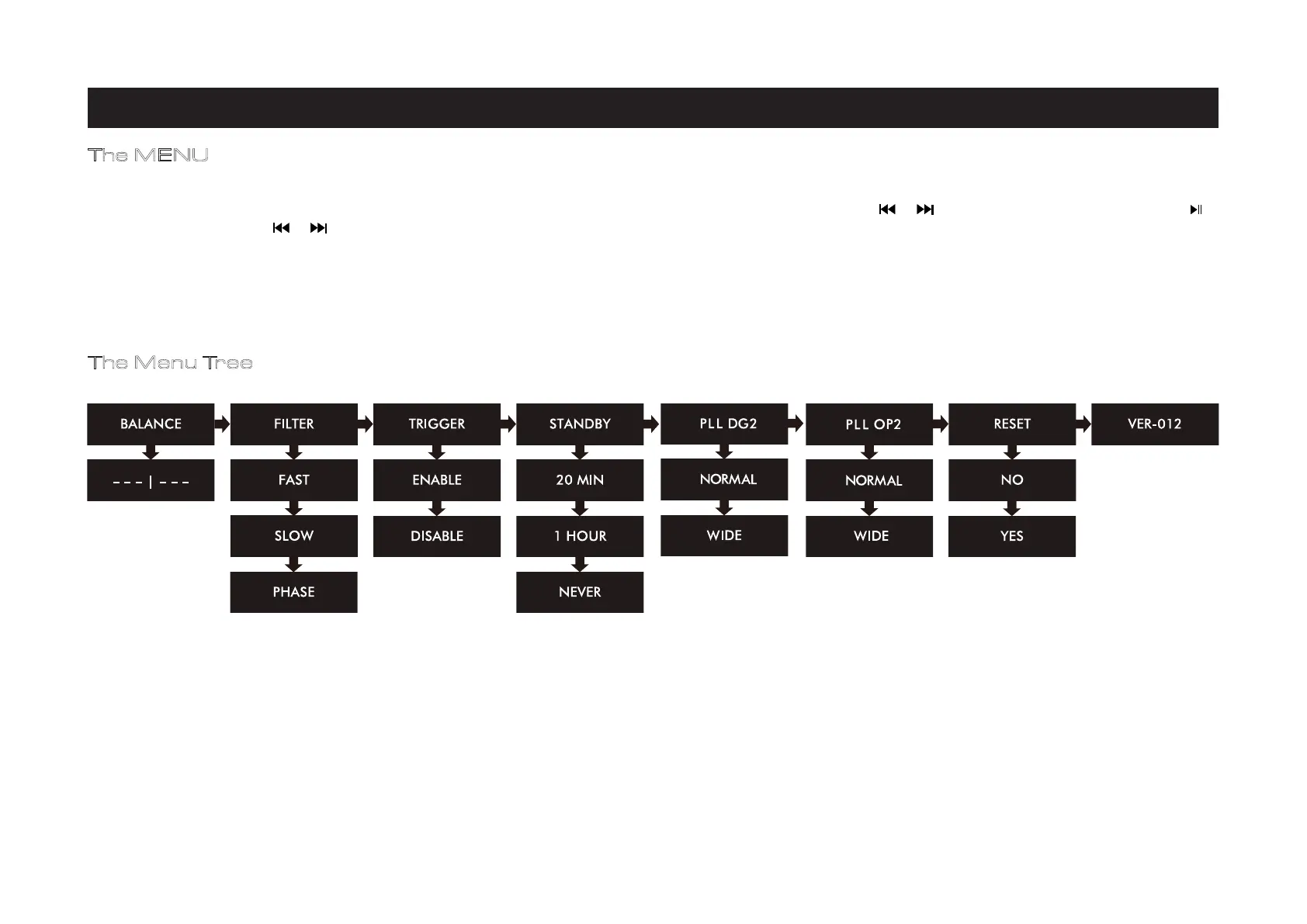
6000A Play has 8 different menu pages. Press the MENU key on the remote control to enter menu mode, and then press or to turn to different menu pages. Press to
enter any menu page, press or again to select different settings.
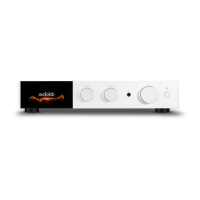
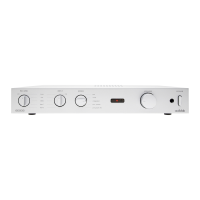
You can also press the MODE knob on the front panel to enter the Pressing the MODE knob on the front panel can also enter the menu mode. Rotate this knob turns through
the menu pages. Press the MODE knob again to enter any menu page and rotate the knob to change the setting. Press the MODE knob again to select a setting.
No operation for 5 seconds will also exit menu mode automatically.
The Menu Tree
7: System Operations - 3
Page 10


 To Next Page