EasyManua.ls Logo

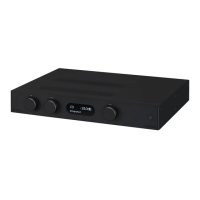
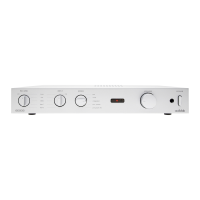
Audiolab 6000A Play - Controls and Functions Overview; Front Panel Controls and Indicators; Rear Panel Connections and Ports; Device Status LED Indicators

Audiolab 6000A Play
24 pages
Print Icon
To Next Page IconTo Next Page
To Previous Page IconTo Previous Page
Loading...
Page 5
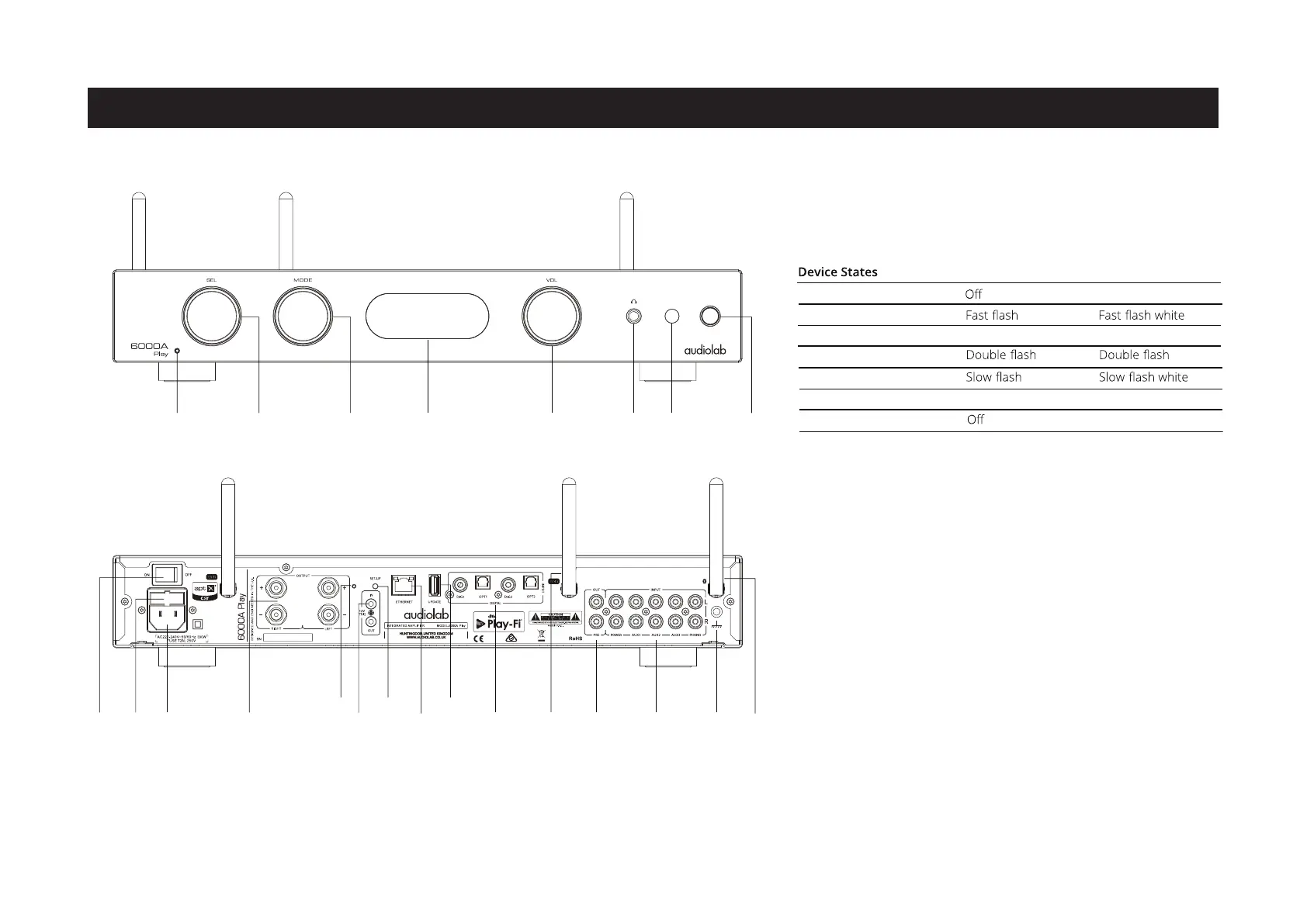
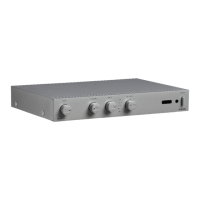
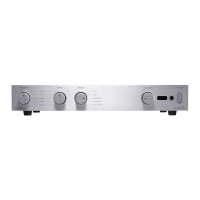
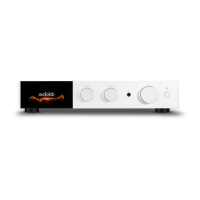
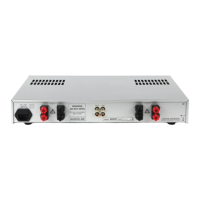
4: Controls and Functions
Ethernet
Port
12V
Triggers
Update
OPT / DIG
Input
Pre
Output
Analogue
Inputs
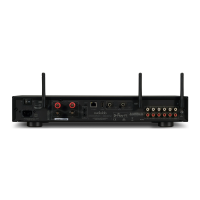
GroundWiFi AntennaPower
Switch
Power LED Source Selector Mode Volume Headphone
Socket
Remote
Input
Standby
Button
Mains
Input
Bluetooth
Antenna
Loudspeaker
Output
Fuse
Display
WiFi
LED
WiFi
Setup
Standby Mode
WiFi LED States(red) Power LED States
Initialization Mode
Standard Setting Mode
WPS Mode
Network Connecting
WiFi Network Connection
Wired Network Connection
Dark red
Slow breathe white
Bright white
Bright red
Slow breathe
Brightly lit

Related product manuals