Page 9
6: Connections
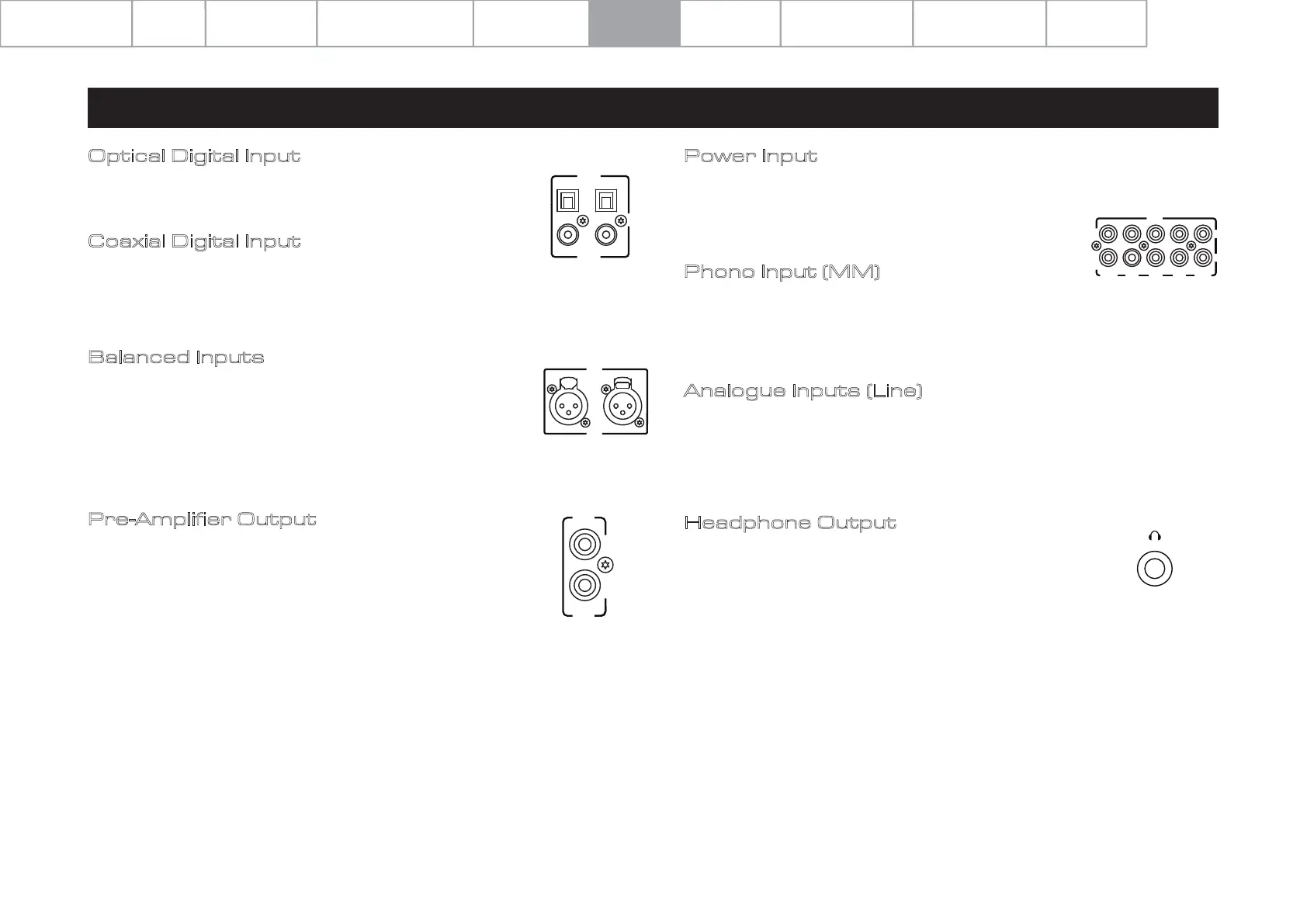
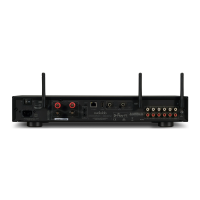
Coaxial Digital Input
Connect your coaxial digital sources to either COAX1 or COAX2.
Balanced Inputs
Balanced connections provide greater dynamic range and lower
noise. If your source has balanced outputs please connect them to
the balanced input. You will need one XLR balanced cable per
channel.
Optical Digital Input
Connect your optical digital sources to either OPT1 or OPT2.
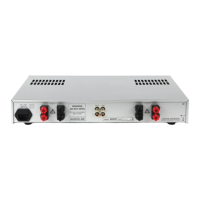
Pre-Amplifier Output
Pre-amplifier output for driving external power amplifiers,
subwoofers or signal processors.
Analogue Inputs (Line)
Connect your analogue sources to one of the three line-level
inputs, AUX1, AUX2 or AUX3.
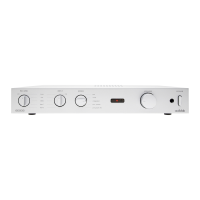
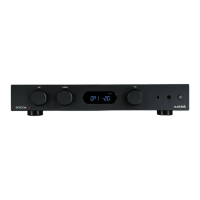
Headphone Output
A stereo 6.3mm (1/4”) jack is provided on the front panel for
connecting headphones. When headphones are connected
the audio to the loudspeaker terminals will be deactivated.
INPUT
OPT2
OPT1
COAX1 COAX2
DIGITAL
INPUT
XLR
RIGHT LEFT
OUT
PRE
Power Input
Power input for driving the power amplifier input directly
from an external source. Only operates when Pre-ower Mode
is selected.
Phono Input (MM)
Connect your turntable (with a moving magnet cartridge) to
the phono input. Connect the earth lead from your turntable
(if available) to the ground terminal.
INPUT
POWER AUX1 AUX2 AUX3 PHONO
L
R
System Operations
Specifications
Important
Safety Information
Contents Getting Started
Controls and Functions
Remote Handset
Warranty Coverage
Connections Menu Options


 To Next Page