1
To access your voice mail,
press [MENU] or .
Displays the number of voice mails and accesses them by pressing .
VOICE MAIL
C
H
6
97
C
H
6
96
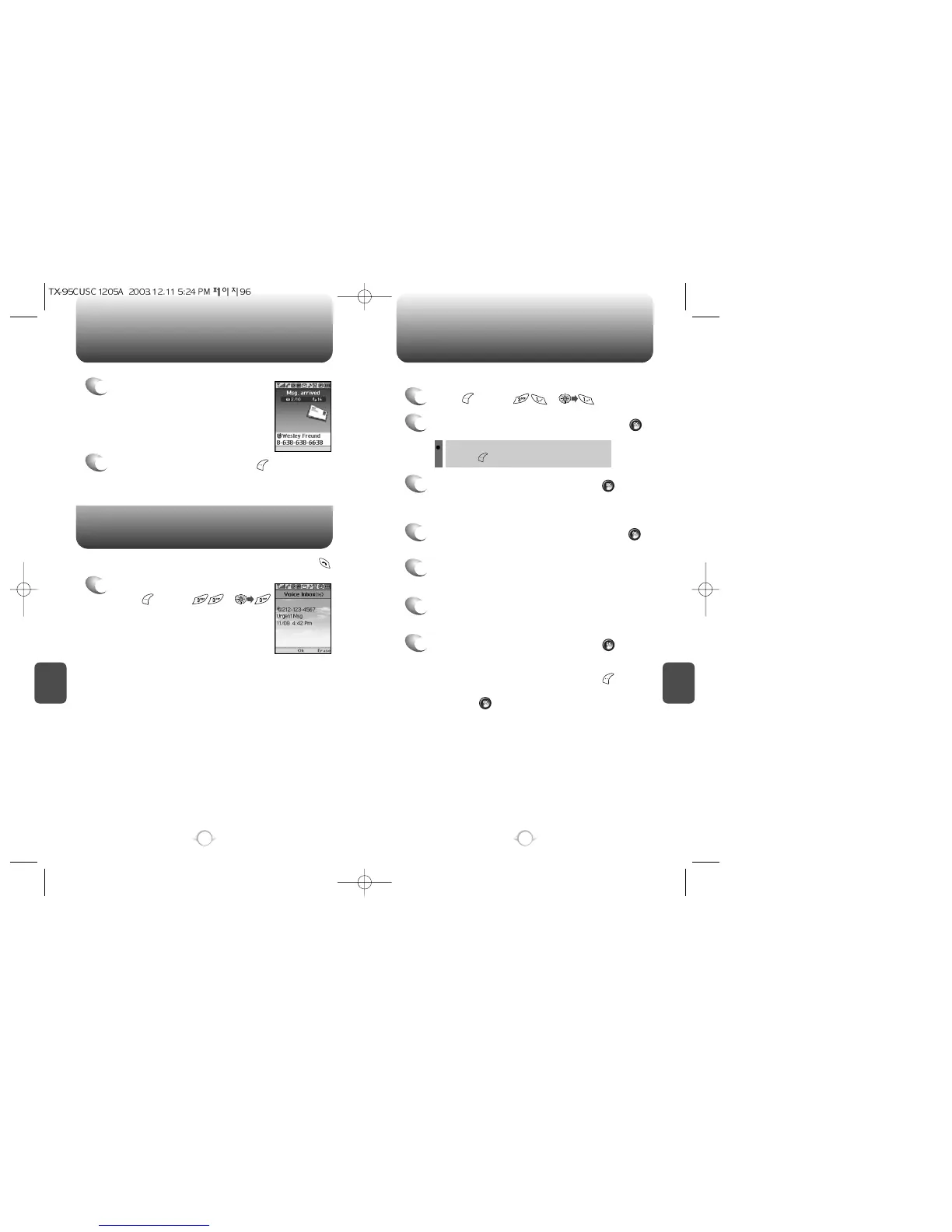
WHEN A NEW MESSAGE ARRIVES NEW TEXT MSG
1
The following display appears
when a new message arrives.
2
To display the message, press [READ].
1
Press [MENU] or .
2
Input a receivers phone number and press [OK].
3
Input a new text message and press [OK].
You can look it up from the phone book by
pressing [MENU].
To send a new message:
(Please refer to page 31 for more details on entering
letters, numbers & symbols.)
4
Input a default callback number and press [OK].
7
7.1 To send the text message, press [SEND].
7.2 To save the text message, press [MENU]
and select the “Save to Outbox” then
press [OK].
5
Select the priority (Normal/Urgent) by using the
Navigation Key.
6
Select the insert signature option (On/Off) by using
the Navigation Key.



 To Next Page