C
H
6
105
C
H
6
104
QUICK TEXTSAVED
Manages saved messages from the Inbox/Outbox.
SAVED
1
Press [MENU] or .
Select a text message with the
Navigation Key and press [OK].
2
The text message is displayed.
Press [MENU].
3
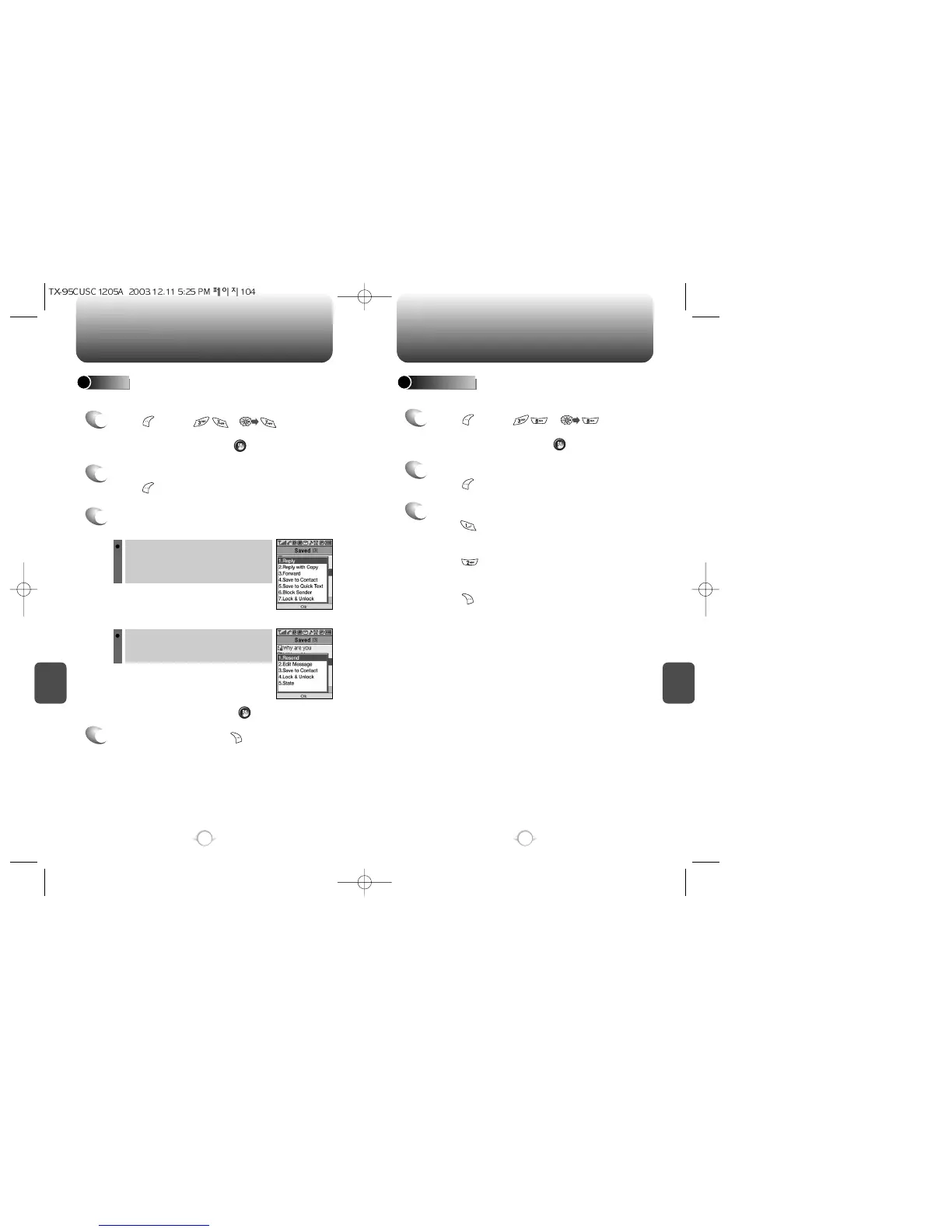
3.1 If the text message is saved from the
“Inbox” menu, this screen will be displayed.
4
To Erase Message, press [ERASE].
If the text message is saved
from the “Outbox” menu, this
screen will be displayed.
3.2 Select one by pressing .
1
Press [MENU] or .
Select one message from the list with the
Navigation Key and press [OK].
To edit the quick text message you have saved:
QUICK TEXT
2
The text message is displayed.
Press [MENU].
3
To add the saved quick text message,
press [ADD NEW].
To edit the saved quick text message,
press [EDIT].
To erase the saved quick text message,
press [ERASE].
To select inbox menu:
reply, reply with copy, forward, save to
contact, save to quick text, block sender,
lock & unlock.
To select outbox menu:
resend, edit message, save to contact,
lock & unlock, state.



 To Next Page