BROWSER MENU BROWSER MENU
C
H
7
115
C
H
7
114
1
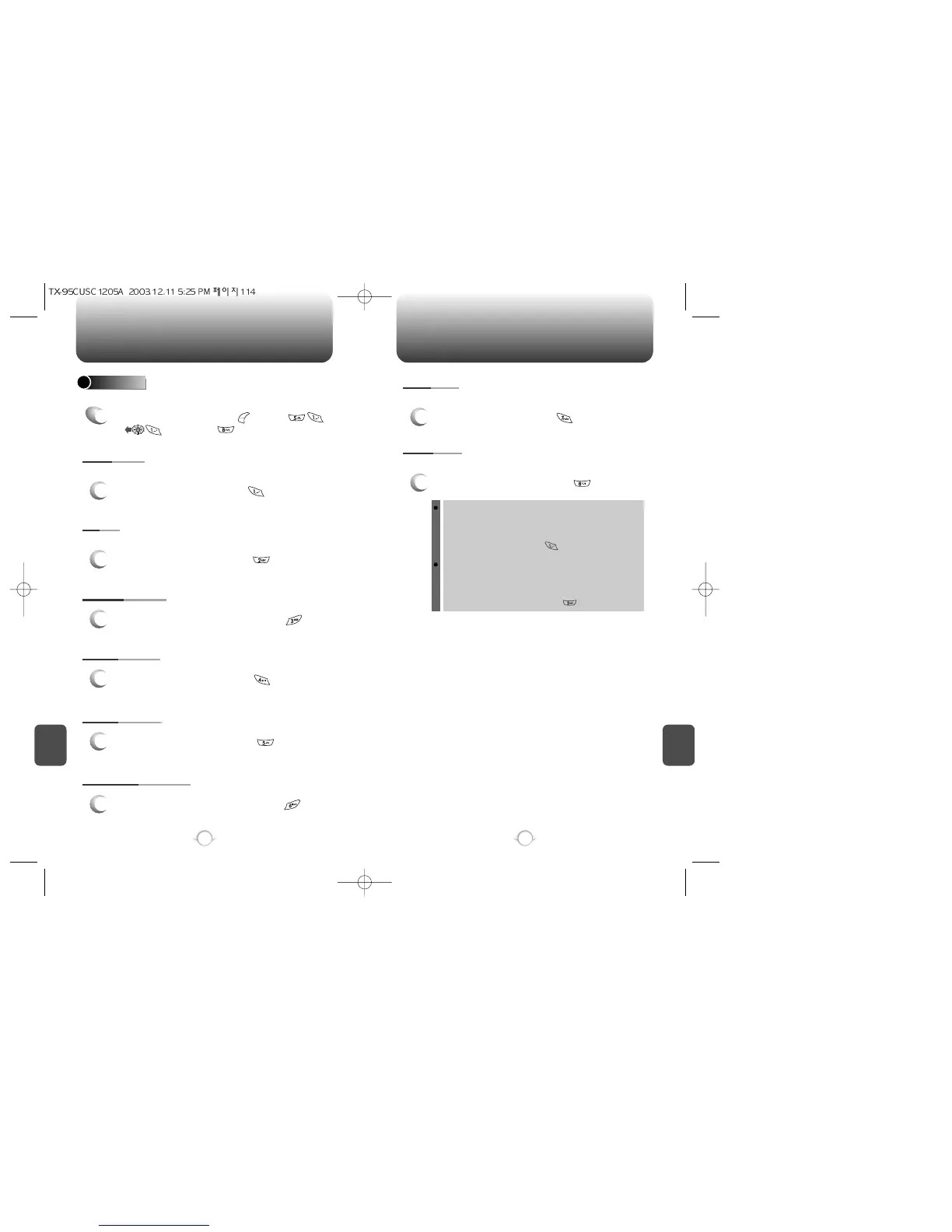
To select “Homepage”, press .
HOMEPAGE
SETTINGS
1
To select “Settings”, press [MENU]
or , then press .
Displays Browser Menu Settings.
Enables you to change the homepage.
1
To select “Set UP.Link”, press .
PROXY
Enables you to select another WAP PROXY.
1
To select “Circuit Linger” timer, press .
CIRCUIT LINGER
1
To select “Scroll Mode”, press .
SCROLL MODE
1
To select “Scroll Speed”, press .
SCROLL SPEED
1
To select “Key Press Timeout”, press .
KEY PRESS TIMEOUT
1
To select “Security”, press .
SECURITY
Display Security Menu Options.
1
To select “Set UP.Link”, press .
ADVANCED
Displays Advanced Menu options.
SHOW URL
Displays the URL (Uniform Resource Locator) of the current
page.
1. To select Show URL, press .
RESTART BROWSER
Causes the deck history and deck cache to be cleared and
starts a new session with the UP.Link.
1. To select Restart Browser, press .



 To Next Page