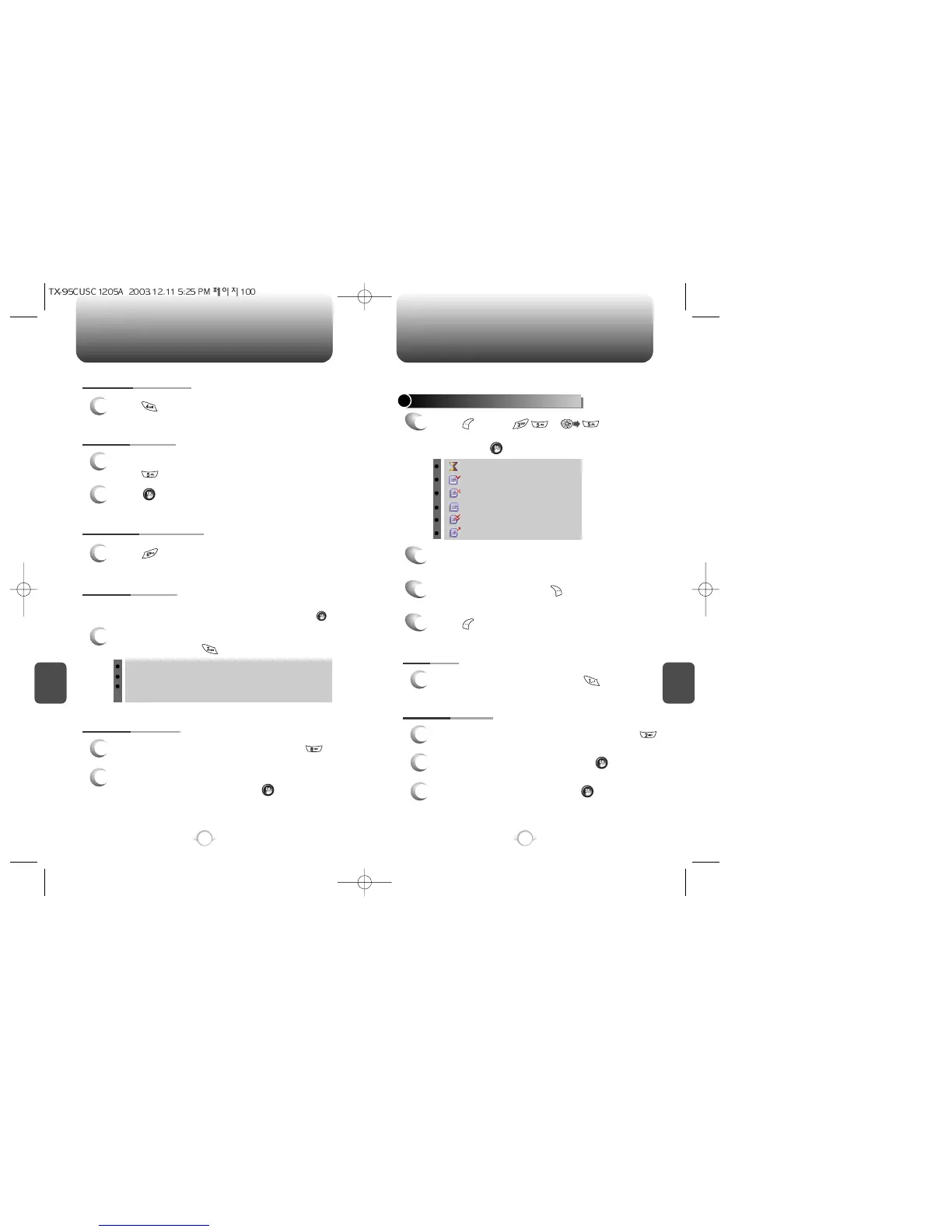
INBOX OUTBOX
C
H
6
101
C
H
6
100
: Auto resend
: Delivered
: Displays remaining text
: Not send
: Read
: Sent
CHECKING SENT TEXT MESSAGES
1
Press [MENU] or .
Select a message with the Navigation Key.
Then, press [OK].
2
The text message is displayed.
Press [MENU].
4
1. RESEND
1
To resend a text message, press .
To Erase Message, press [ERASE].
3
Manages sent text messages or messages waiting to be sent.
2. EDIT MESSAGE
1
2
Input the phone number and press .
3
Input a text message and press .
5. SAVE TO SAVED
1
To save the text message in your phone,
press “Save to Saved”.
6. SAVE TO QUICK TEXT
7. BLOCK SENDER
1
To block all incoming messages from addresses
on block list, press “Block Sender”.
2
Press .
1
Press .
8. LOCK & UNLOCK
1
To lock or unlock the text message, press
“Lock/Unlock”.
2
Select “Lock” to lock the message or “Unlock” to
unlock the message, then press .
4. SAVE TO CONTACT
1
Press .
To send a message to another person, press .
BLOCK: Blocks message of the number the user has registered.
UNBLOCK: Deactivates Block.
VIEW LIST OF BLOCKED ADDRESS: Displays the blocked list
on LCD.
To register the phone number or e-mail that needs to be blocked or
unblocked enter either the phone number or e-mail then pressing .



 To Next Page