- 13 -
CD PLAYBACK
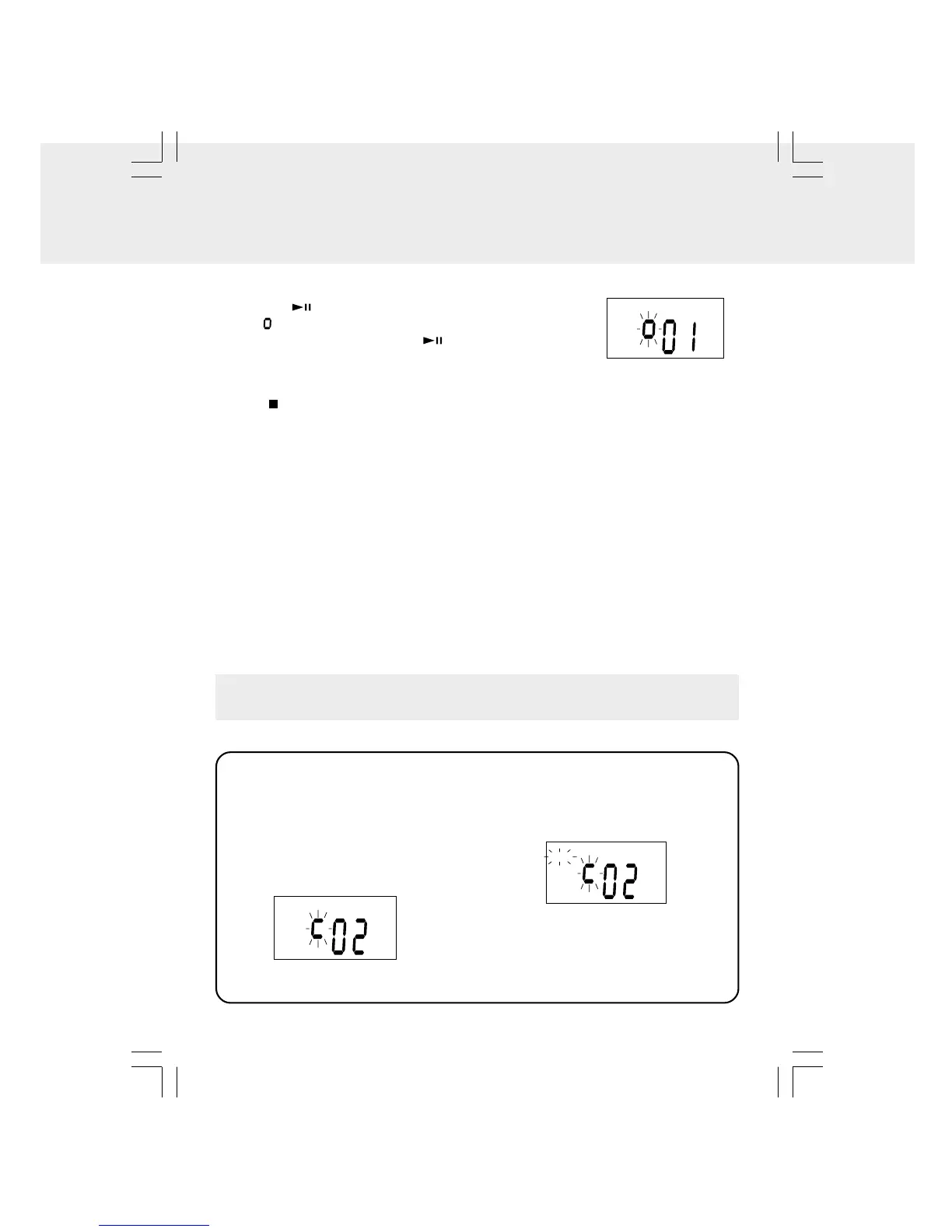
To PAUSE Playback
• Press the PLAY/PAUSE button.
The " " indicator blinks.
• To resume playback, press the PLAY/PAUSE button
again.
To SKIP to a Different Track
• To SKIP to the beginning of the CURRENT track, press the TUNING • SKIP/TIMER-
button once.
• To SKIP to the beginning of the PREVIOUS track, or any earlier track, press the
TUNING • SKIP/TIMER- button.
• To SKIP to the beginning of the NEXT track, or any later track, press the TUNING •
SKIP/TIMER+ button.
To FAST FORWARD or FAST REVERSE to a Particular Point
• To scan forward at high speed, press and hold the TUNING • SKIP/TIMER+ button
and release it at the desired point.
• To scan backward at high speed, press and hold the TUNING • SKIP/TIMER- button
and release it at the desired point.
• Fast forward or Fast reverse will continue searching the CD until it reaches the end.
This function will allow a single track or the entire CD to be played repeatedly.
Repeating the Current Track
• Press the REPEAT/PRESET button
until “REPEAT” appears, the current
track will be played repeatedly.
• Select a desired different track to be
repeated by pressing the TUNING •
SKIP/TIMER+/- buttons.
Repeat the Entire CD
• Press the REPEAT/PRESET button
until “REPEAT” blinks.
All tracks will be played repeatedly.
To Cancel Repeat Play
• Press the REPEAT/PRESET button
until “REPEAT” disappears.
CD REPEAT PLAYBACK
To STOP Playback
• Press STOP/BAND button.


 To Next Page