5
UNPACKING INSTRUCTION
CAUTION! Carefully unpack the box upon receipt. Check the contents to ensure that all parts are present and have been
received in good condition. Notify the shipper immediately and retain packaging material if any parts appear damaged from
shipping or the package itself shows signs of mishandling. Save the package and all packaging materials. If the product must
be returned, it is important that the product is returned in the original factory box and packaging. If the device has been
exposed to drastic temperature fluctuation (e.g. after transportation), do not switch it on immediately. The arising
condensation water might damage your device. Leave the device switched off until it has reached room temperature.
POWERSUPPLY
The label on the back/under side of the product indicates the mains voltage to which it must be connected. Check that the
mains voltage corresponds to this. Any other voltage than the one indicated may cause irreparable damage to the unit. The
unit must also be connected directly to the mains voltage and no dimmer or adjustable power supply may be used.
Always connect the device to a protected circuit (circuit breaker or fuse). Make sure the device has an appropriate
electrical ground to avoid the risk of electrocution or fire.
CONTROLS
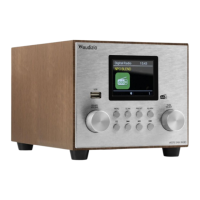
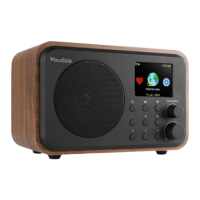
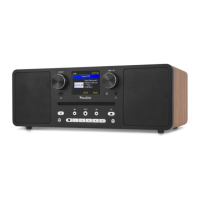
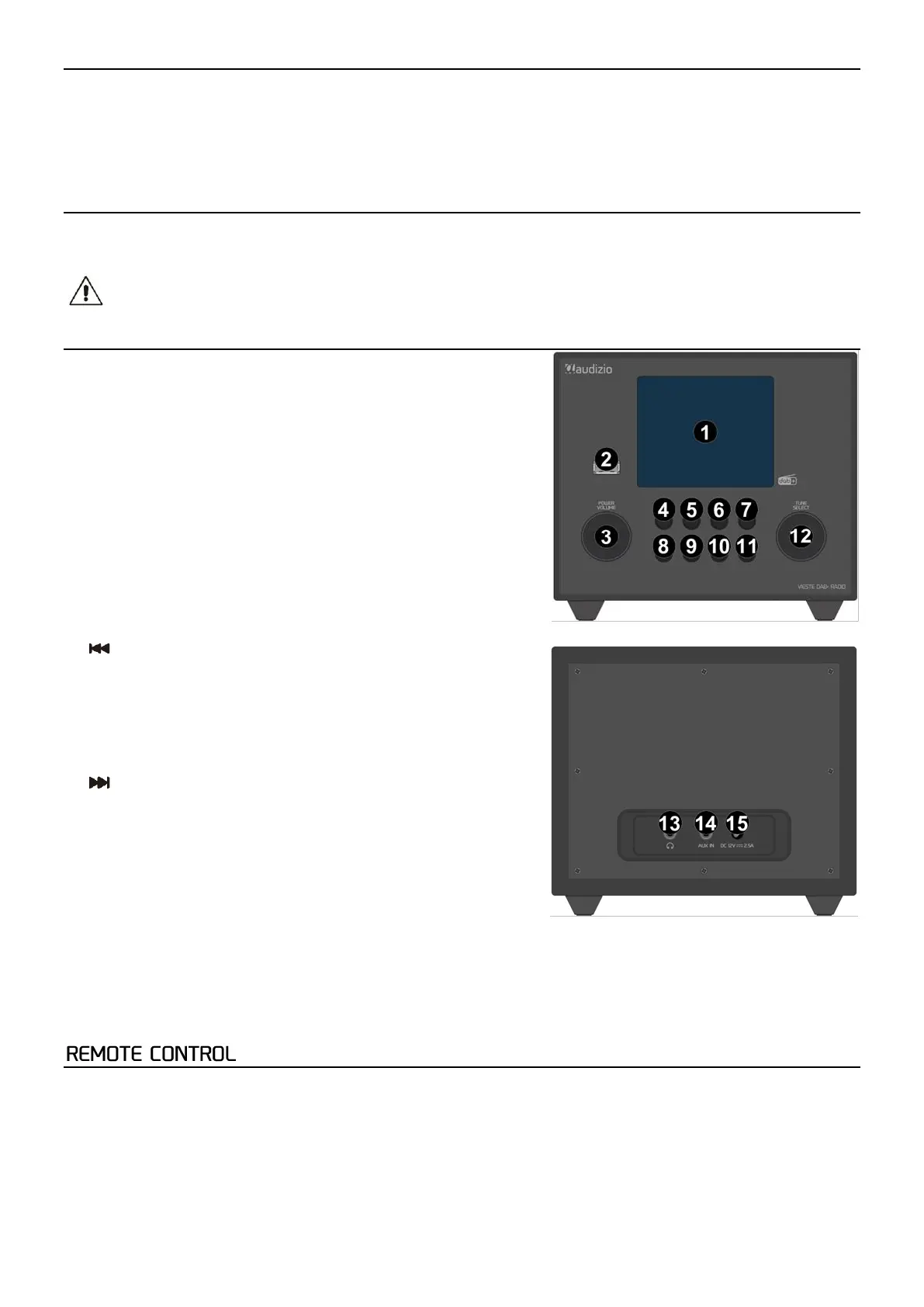
1. Display
2. USB port
3. Power/Volume
Press to put the unit Standby/On
Rotate to increase/decrease volume
4. Menu
Press to enter the menu
5. Scan
Press to scan in DAB/FM
6. Preset
Press to enter preset list
Press and hold to set preset
Press to switch between repeat one/random loop or repeat all in USB
7. Alarm
Press to set alarm
8. EQ
Press to change EQ preset settings
9.
Press for previous track in BT/USB
Press for manual scan 0.05 MHZ down in FM
Press and hold for scan in FM
Press to open station list in DAB
Press to switch between repeat one/random loop or repeat all in USB
10. Pause/Play
Press to start/resume or pause in BT/USB
11.
Press for next track in BT/USB
Press for manual scan 0.05 MHZ up in FM
Press and hold to scan for next station in FM
Press to open station list in DAB
12. Enter/Prev/Next
Press to confirm
Rotate to navigate through menu’s
Rotate for fine tune frequency in FM
13. Headphone Jack
3,5mm jack for inserting headphone
14. AUX IN
3.5mm jack input for auxiliary play
15. DC IN
12V power socket for connecting the supplied power adapter
1. Power
Press to put the unit Standby/On
2. Mute
Press to (un)mute
3. EQ
Press to change EQ preset settings
4. Dimmer
Press several times to change the brightness of display
5. Sleep
Press to set a sleeptimer (off, 15, 30, 45, 60, 90, 120)


 To Next Page
 Loading...