6
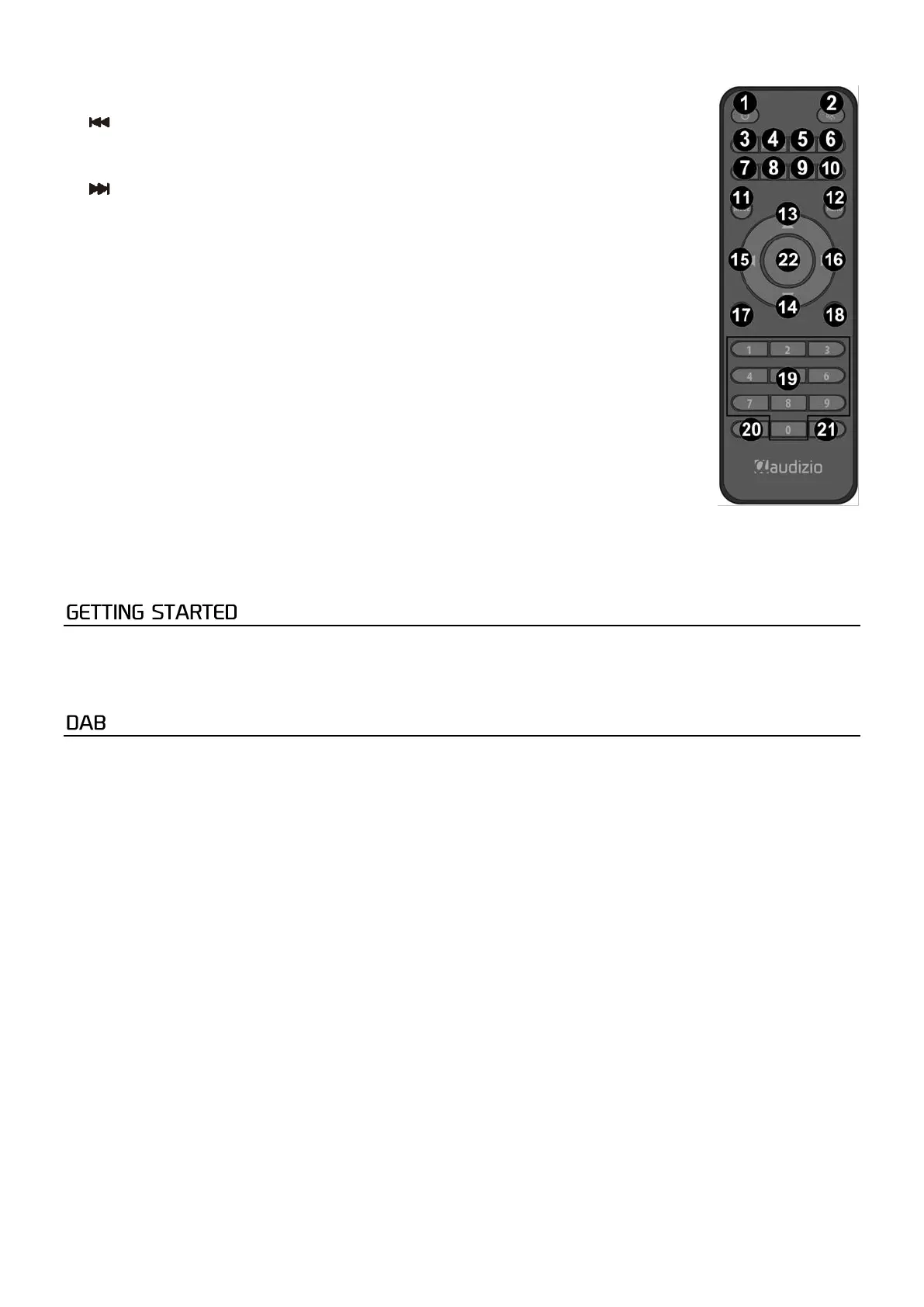
6. Alarm
Press to set an alarm
7. Info
Press to show information on the display
8.
Press to go to previous track in USB
9. Play/Pause
Press to start/resume or pause for in USB
10.
Press to go to next track in USB
11. Mode
Switch between modes
12. Menu
Press to enter the menu
13. ▲Up cursor
14. ▼Down cursor
15. ◄Left cursor
16. ►Right cursor
17. Vol –
Press to decrease the volume
18. Vol +
Press to increase the volume
19. Num pad
Input index nummers (0-9)
20. Preset
Press for list of favorites in DAB/FM
Press and hold for save as favorites
Press to switch between repeat one/random loop or repeat all in USB
21. Scan
Press to scan station in DAB/FM
22. OK
Press to confirm
• Remove the radio from the package box.
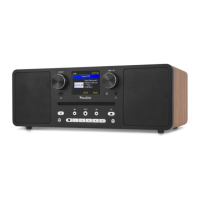
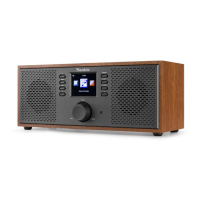
• Plug in the power adapter. Press the [Power] button on the frontside.
Caution: Use only the adapter supplied with the radio. Connecting a power supply with a different rating can cause
permanent damage to the radio and may be hazardous.
If there is Digital Audio Broadcasting (DAB) in your area, the unit can pick up the DAB stations.
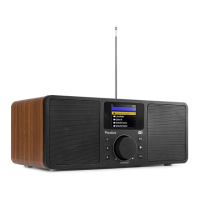
Place the radio close to the window and extend the antenna as far as it can go to get the best reception. Sometimes you may
need to adjust the direction of the antenna to improve reception.
Press [Menu] on the unit or on the remote control to go to menu. Rotate the button [Enter/Next/Prev] on the unit or press [◄]
or [►] on the remote control to select DAB. Press [Enter/Next/Prev] on the unit or [OK] on the remote control to confirm.
STATION LIST
To find a station rotate [Enter/Next/Prev] on the unit or press [◄] or [►] on the remote control to enter the station list.
Press [Enter/Next/Prev] on the unit or press [OK] on the remote control to select the desired station. It is possible to store up
to 40 stations.
Manual tune
Press [Menu] on the unit or on the remote control and rotate the [Enter/Next/Prev] on the unit or press [◄] or [►]
on the remote control to select “System settings”. Press [Enter/Next/Prev] on the unit or [OK] on the remote control
to confirm. Press and rotate the [Enter/Next/Prev] on the unit or [◄] or [►] and [OK] to select manual tune to enter
the list of frequences. Rotate [Enter/Next/Prev] on the unit or [◄] or [►] on the remote control to select the
frequency you desire. Press [Enter/Next/Prev] on the unit or [OK] on the remote control to confirm.
Full scan
Press [Menu] on the unit or on the remote control. Rotate the [Enter/Next/Prev] on the unit or [◄] or [►] on the
remote control to select “System settings”. Press [Enter/Next/Prev] on the unit or [OK] on the remote control to
confirm. Press and rotate the [Enter/Next/Prev] on the unit or [◄] or [►] and [OK] on the remote control to select
“Full Scan” in the submenu. Press [Enter/Next/Prev] on the unit or [OK] on the remote control to confirm. The unit
will start scanning.
Quick scan
Press the scan button on the unit or scan button on the remote control. The unit will scan immediately.


 To Next Page
 Loading...