>17<
>16<
Settings
Settings
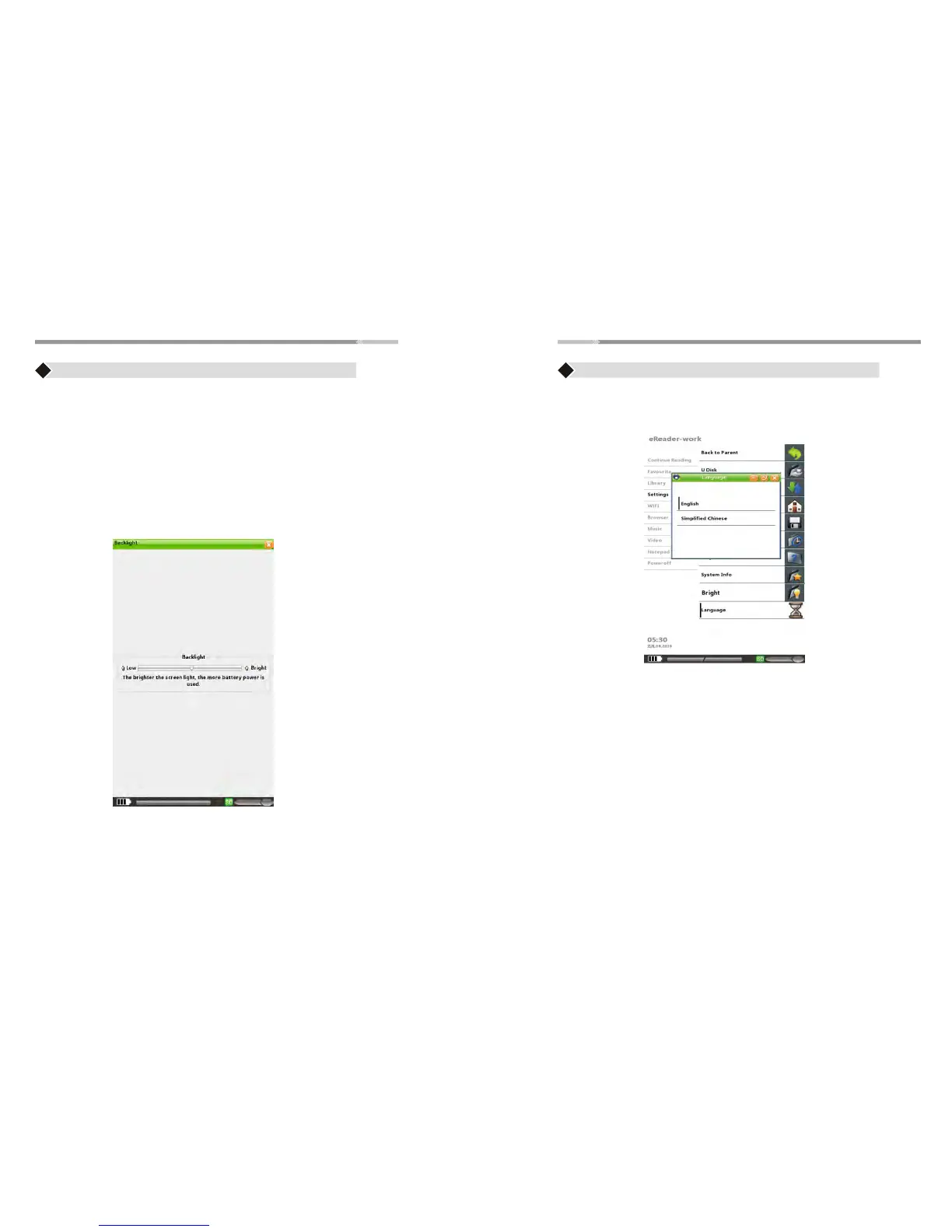
Language
Bright
♦ Use “Joystick” to scroll Up/Down for “Language” selection,
English and Simplified Chinese are available
♦ Press “Enter” button to select the desired Language
Use “Joysick” to adjust backlight to “ Low “ or “ High”
Press “ Enter” button to complete the settings
Help
♦ Press“Joystick” to highlight “Help ” menu,UM soft copy will be
available
System Info
♦ Press “Joystick” to highlight “System Info ” and press “Enter”
button to open the menu. Detailed information of the device will
be provided;


 To Next Page