Settings
>15<
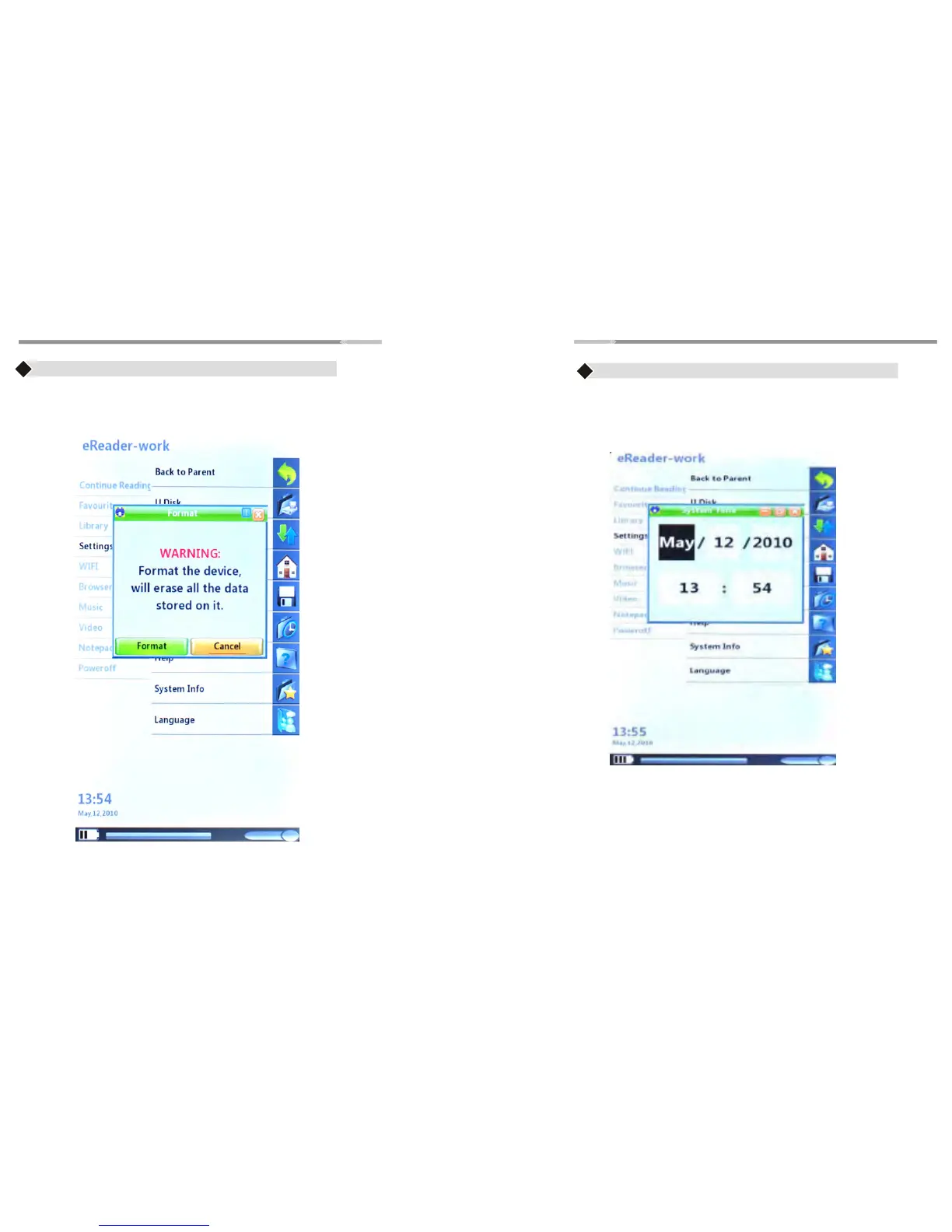
Time
♦ Use the “Joystick” button to highlight “Time” option and press the
“Enter” button to open the menu
♦ Press “Joystick” button(left/right) for adjust the month,
Date ,year and time, press “Joystick” button(up/down) for line
option
♦ Press the “Enter” button to complete the settings.
Settings
>14<
Format
♦ Use to format the entire device.
Caution: Formatting the device will erase all data on the device
♦ Use the “Joystick” button to (left/right) to highlight the buttons
“Format and Cancel”. Press “Enter” button to complete the
operation



 To Next Page