Music
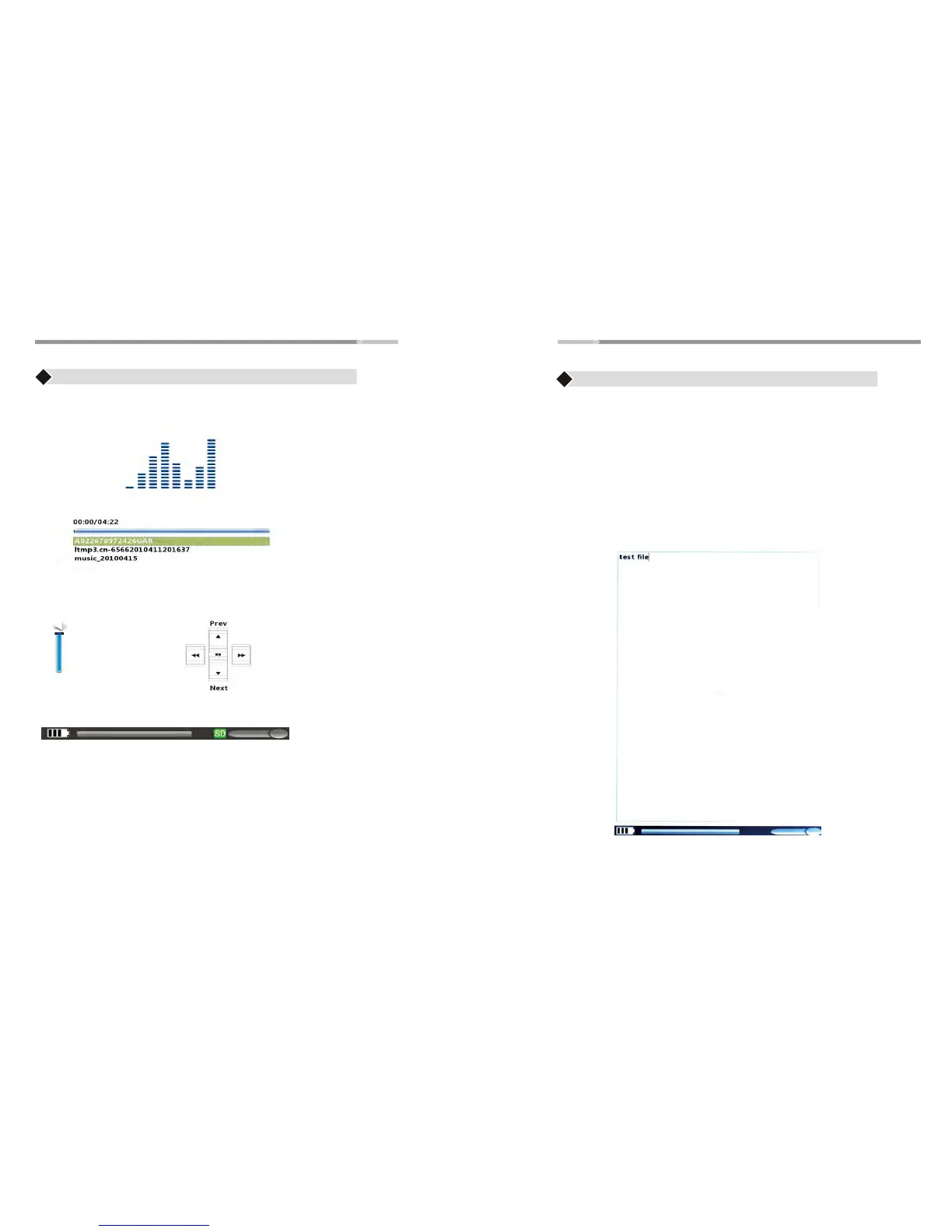
♦ Use “Joystick” button to highlight “Music” option and press
“Enter” button.
♦ Use the “Joystick” button (up/down) to select the desired
audio file on the list
♦ Press “Enter” button for PLAY/PAUSE, Press “Back” button
to go back to the Main Menu
♦ Press “+ Volume/ - Volume” button to adjust the volume
>22<
Video
♦ Use the “Joystick” to highlight “Video” option and press the
“Enter ”button open the video menu, Use the “Joystick” button
(up/down direction) to choose your desired video file
♦ Press “enter” button to PLAY/PAUSE,Press “Back” button to go
back to the Main Menu
♦ Press “+ Volume/- Volume” button to adjust the volume
♦ Use the “Joystick” to highlight “Notepad” menu. Press “Enter”
button to open the Notepad.
♦ Press “Back” button to go back to the Main Menu
Note: File is automatically saved once any text typed on the notepad or
you can press” Menu” choice “ Export” save files to SD card
Notepad



 To Next Page