English
-10-
-9-
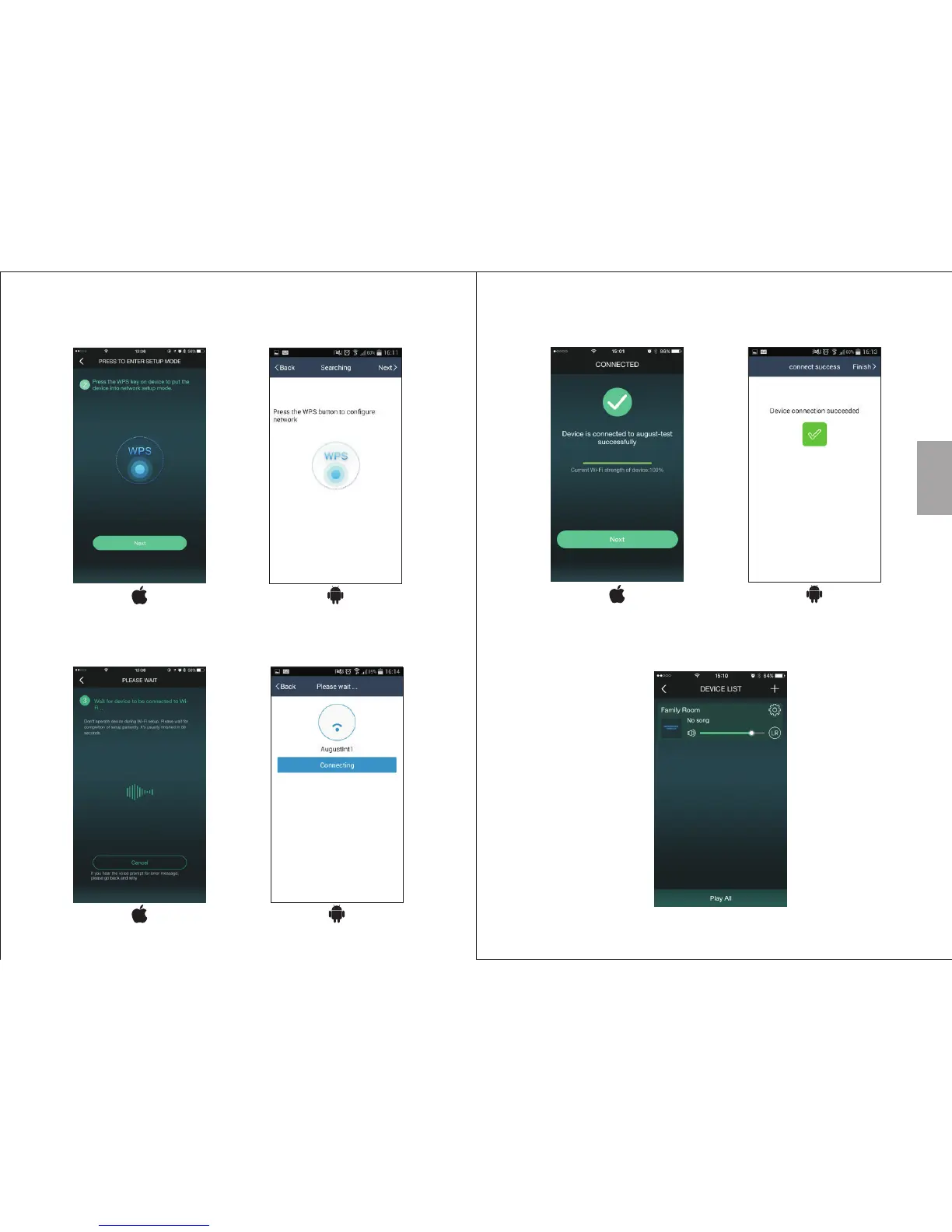
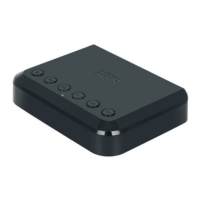
3. Press WPS on the WR320, then press 'Next'
4. The application will find the device and set up the Wi-Fi
connection. Press 'Cancel/Back' to go back
6. To add another device, press '+' on the 'Device List' page and
repeat steps 2-4
5. Once connected, press 'Next/Finish' to finish


 To Next Page