
 Need help?
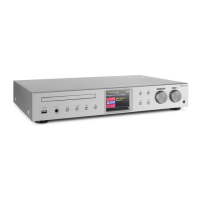
Do you have a question about the auna multimedia iTuner CD and is the answer not in the manual?
Covers both wired and wireless network setup procedures, including router requirements and connection steps.
Instructions on how to turn the unit on from standby and return it to standby mode.
Walks through the initial setup wizard for time format and network connection configuration.
Details network setup options including Network wizard, PBC WLAN setup, View settings, Wlan region, and Manual settings.
Enables browsing and selecting stations from categories like My Favourites, Local Country, Stations, and Podcasts.
Step-by-step guide on connecting the iTuner to WiFi and using the Spotify app for music playback.
Explains how to set up shared media folders on a computer for the unit to access and play music.
Details how to start searching for FM stations by pressing and holding the TUNING buttons.
 General
| Brand | auna multimedia |
|---|---|
| Model | iTuner CD |
| Category | CD Player |
| Language | English |

 To Next Page