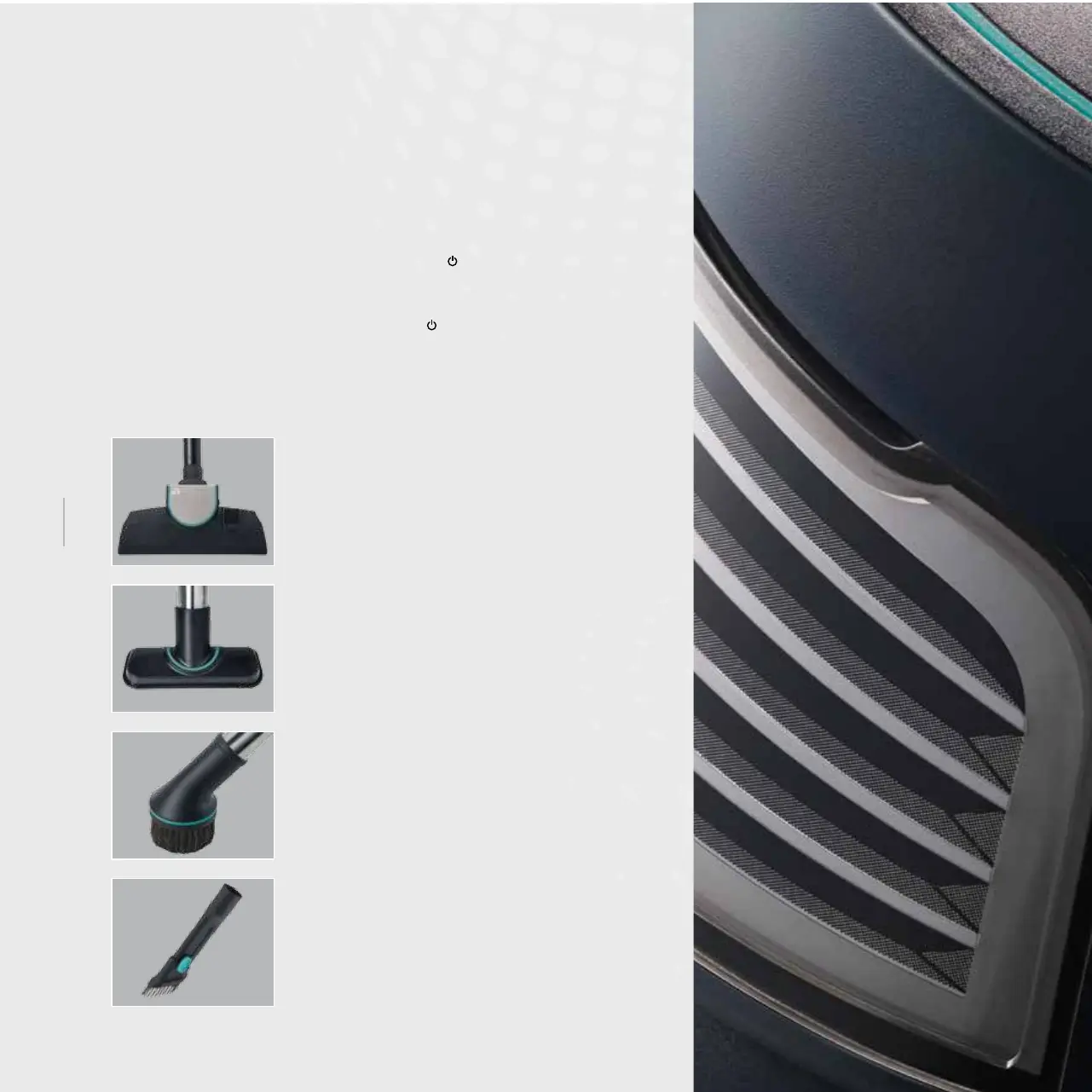
4 Crevice Brush
Itisusedforcleaningplaceswhicharehard
to reach such as the spaces between central
heating radiators and window edges.
3 Circular Brush
Itisusedfordelicatedustingoperationsthat
willbeperformedonnaturalandarticial
owers,curtains,paintingsanddressesetc.
2 Upholstery Tool
Itisusedforcleaningupholsteredsurfaces
suchasseatsandsofasinparticular.Thanks
to its specially grooved design with openings,
it never wears out your upholstered surfaces.
1 Carpet and Hard Floor Nozzle
Itisusedforthedailysweepingofcarpets,
rugsandhardoors.Youcanadjustthe
length of the brush by pressing the latch on
top of the tool.
Installationandoperationof
other accessories
When you want to use any of the accessories, attach the accessory to the
appliance before plugging it in.
a. When you want to operate the appliance from the body control panel;
•Activatethesuctionmotorbytouchingthe[
]On/Offsymbol.Youmayset
the suction power in 9 different levels with the slider switch.
b. If you want to operate the appliance from the trigger control panel;
•Startthesuctionmotorbypressingthe[
]On/Offbutton.Youmay
increaseordecreasethesuctionpowerwiththe(+)and(-)buttons.
Afteryouhavecompletedvacuuming,stoptheappliancebypressingtheOn/Off
buttononthecontrolorbytouchingtheOn/Offsymbolonthebodyandunplug
the appliance.
18


 To Next Page