12
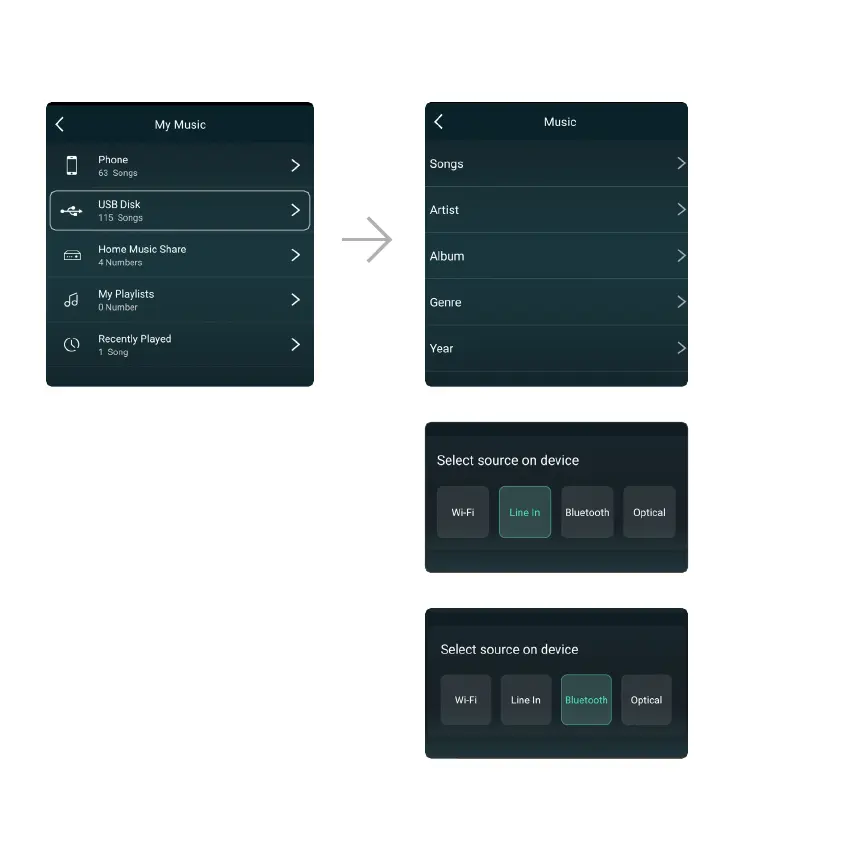
8.3.3 To Play Music From NAS
Please note that audifi only supports NAS with DLNA feature.
8.3.4 To Play in Line In Mode
- Connect the provided RCA cables to the TV or
other audio sources.
- Choose Line In mode on the App or remote
control.
8.3.5 To Play in Bluetooth Mode
- Choose the Bluetooth mode on the application or
remote control, the LED will display Bluetooth icon.
- Open the Bluetooth on your smartphone/tablet.
- Pair the device Bluetooth (SoundSystem) and play.



 To Next Page