• Calls stored in the queue can only be deleted if they are manually erased (pressing
Æ), or if a call is returned and the conversation is established (if it is not, the call
will remain queued). Once all the calls have been erased, the screen will show that
the queue is empty and the switchboard will return to the main menu.
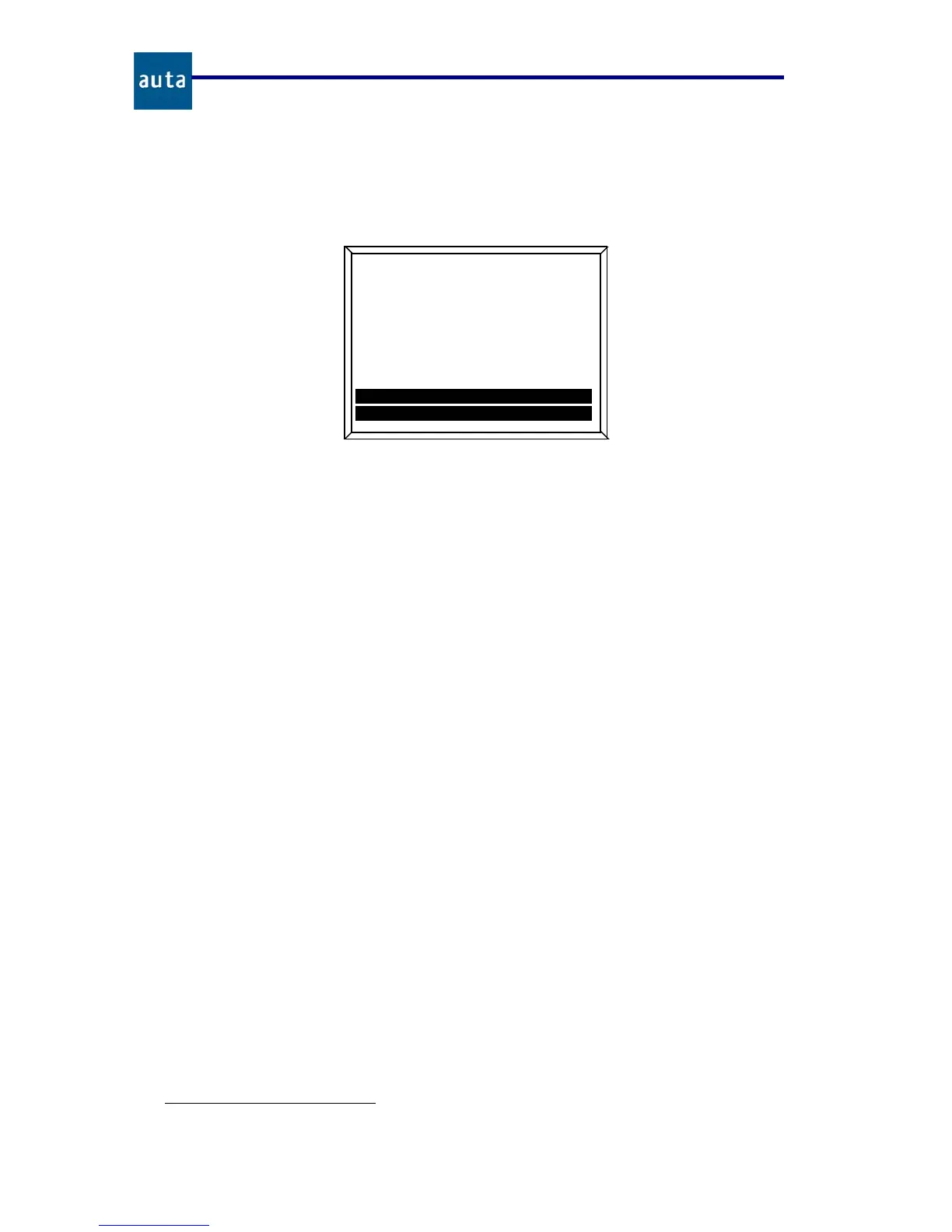
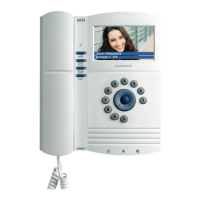
Figure 7. Example with 2 calls stored in the queue.
4.3. Settings:
This menu allows adjusting settings related to the manner the SB operates according to the
user preferences.
4.3.1. Operating Mode:
Operating modes determines the way the SB reacts to the incoming calls from the
outdoor panels:
• Standard Mode: The switchboard receives all the incoming calls made from the
panels. If they are not attended during the next 30 seconds, they will be
automatically passed through to the appropriated flat.
• Direct Mode: All the incoming calls made from the panels will be automatically
passed through to the flats. The switchboard will show on screen information about
the incoming call, but it won’t be able to interfere. If the SB receives a non-stored
code in its database, it will manage it as “Call to Switchboard” (the incoming call
won’t be passed through to any flat).
• Not Disturb: It works the same way as the Standard Mode, but if the incoming
calls are not attended during the first 30 seconds, they won’t be passed through to
the flats.
• Manager Mode: The switchboard only receives incoming calls from other
switchboards, never from outdoor panels or flats. However it can call the flats, the
rest of the switchboards and/or execute a self-start over the outdoor panels
5
.
This is a special mode that requires to be enabled from the configuration menu
(see chapter 4.4).
5
Only over panels with this feature enabled. See panel manual.
auta
Cod: 0
00025
1
/
2
Enrique
S
imon
2
º izda
Queue
(
Navigate
OK Call
Å
Exit
Æ
Erase


 To Next Page