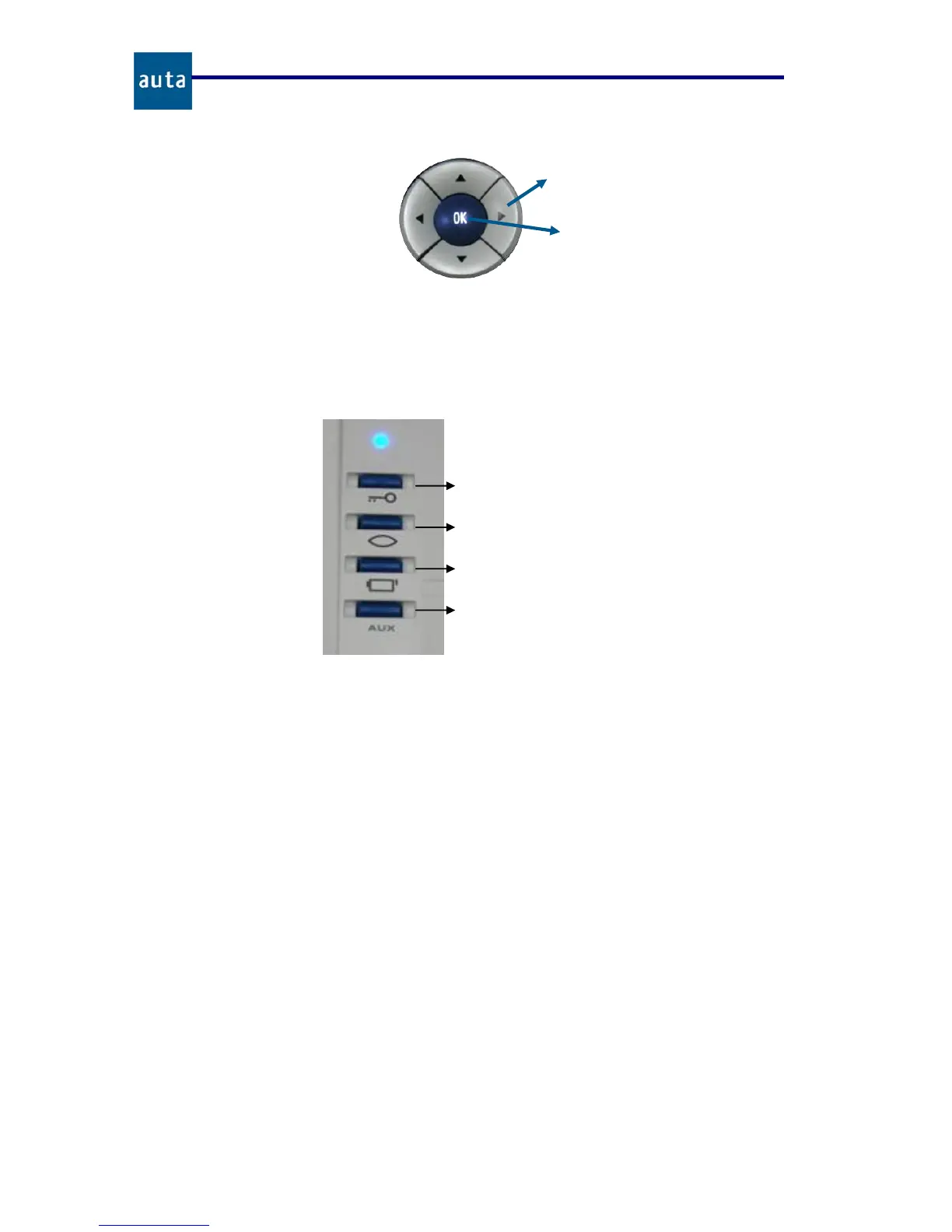
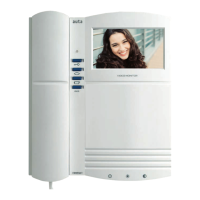
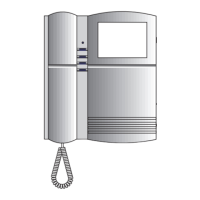
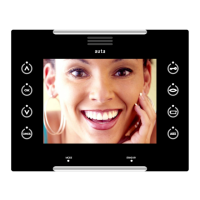
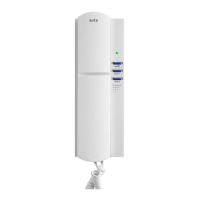
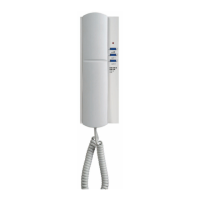
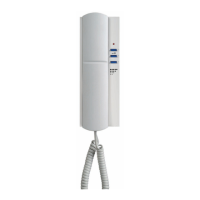
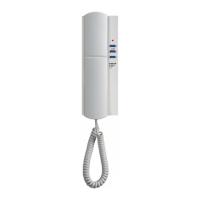
Figure 2. Navigator functions with SB in Stand By state.
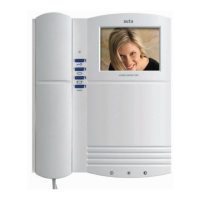
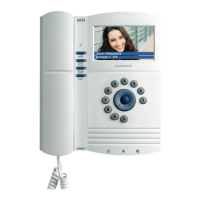
The special keypad is the same that the COMPACT monitor one and with similar
functions. A description about its 4 pushbuttons is shown bellow (figure 3):
Figure 3. Special functions keypad.
The pushbuttons 2
nd
Camera and Aux of the special functions keypad, are used to
activate the Aux1 and Aux2 outputs of the SB module of connections in the following way:
• 2
nd
Camera Button: When pressed once, the Aux1 output of the module of
connections is activated. If it is pressed again, the output will be deactivated.
• Aux Button: Each time this button is pressed, the Aux2 output of the module of
connections is activated for 100 ms (activation pulse).
There is a blue led (blue lamp), that brings information about the system state, because it
shines in a different way depending on the action the SB is performing in that moment:
• Off: Switchboard in stand by or powered off.
• Long and slow sparkles: The SB is receiving or making a call.
• Short and quick sparkles: The SB is in conversation, engaging the line.
• On: The line is engaged by another device.
• One sparkle every 2 seconds: There are missing calls in the queue.
•
Door-Release Button / Call to Switchboard
when the handset is picked up.
•
Self-Starting / End of Call when the
handset is hung up.
•
2
nd
Camera Button.
•
Aux Button.
Direct entry to Queue.
Main menu entry.
Direct entry to Directory.
Main menu entry.
Main menu entr


 To Next Page