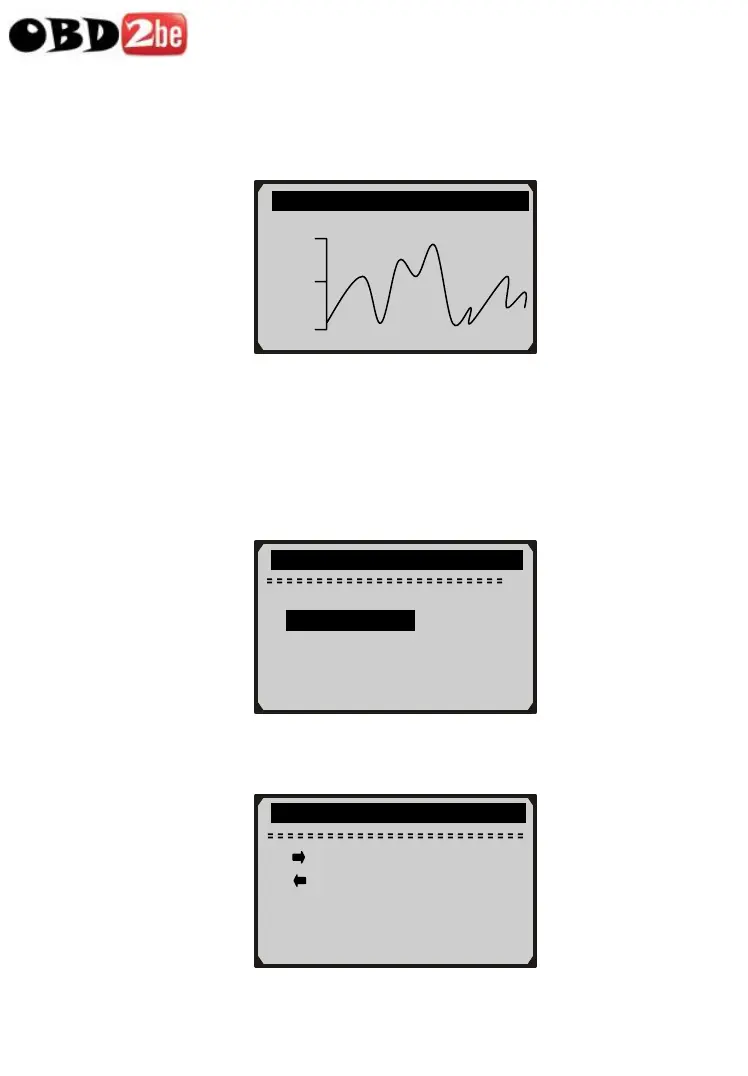
z If the “G” icon appears when a PID is highlighted, it indicates
graphic information is available. Press ENTER to view
graph.
33
6) Press ESC button to return to previous menu.
Viewing Custom Data Set
7) To view customized PID data, use UP/DOWN scroll button to
select Custom Data Set from View Data menu and press
ENTER button.
8) Observe on-screen instructions.
……………….View Data……………… ….
2/3
Complete Data Set
► Custom Data Set
Unit of Measure ?
……………Custom Data Set……… …..
RPM (/min) 975
1725
925
[ ] – Select/Deselect
[ ] – Deselect all
[ENTER] – Confirm
[ESC] - Cancel
http://www.obd2be.com/














 To Next Page