16
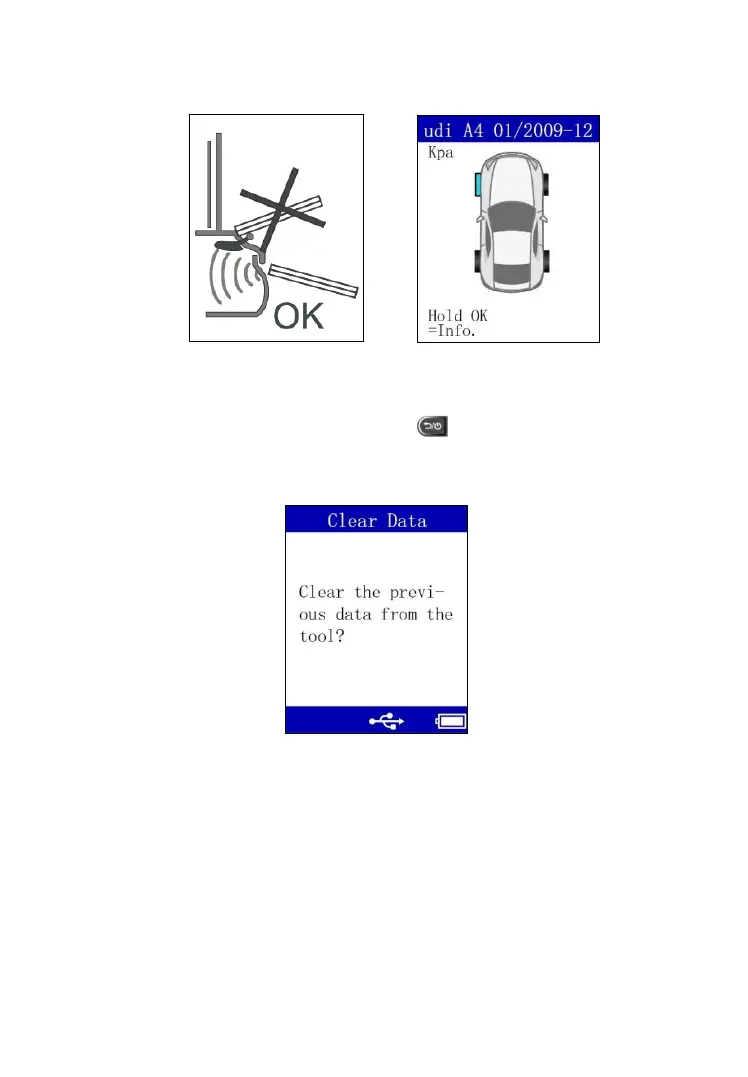
Hold the tool about two inches from the tire sidewall (Figure 4.3) and press
OK button.
Figure 4.3 Figure 5.4
If sensors have been previously activated and there is data saved in the tool,
a Clear Data message displays. Press button to display the sensor
activation menu. Press OK button to clear the previous data.
Figure 5.5
Once the sensor is successfully activated, the tool will display the “√” icon
and tire pressure with an audible beep. If the tire pressure is low, the pressure



 To Next Page