17
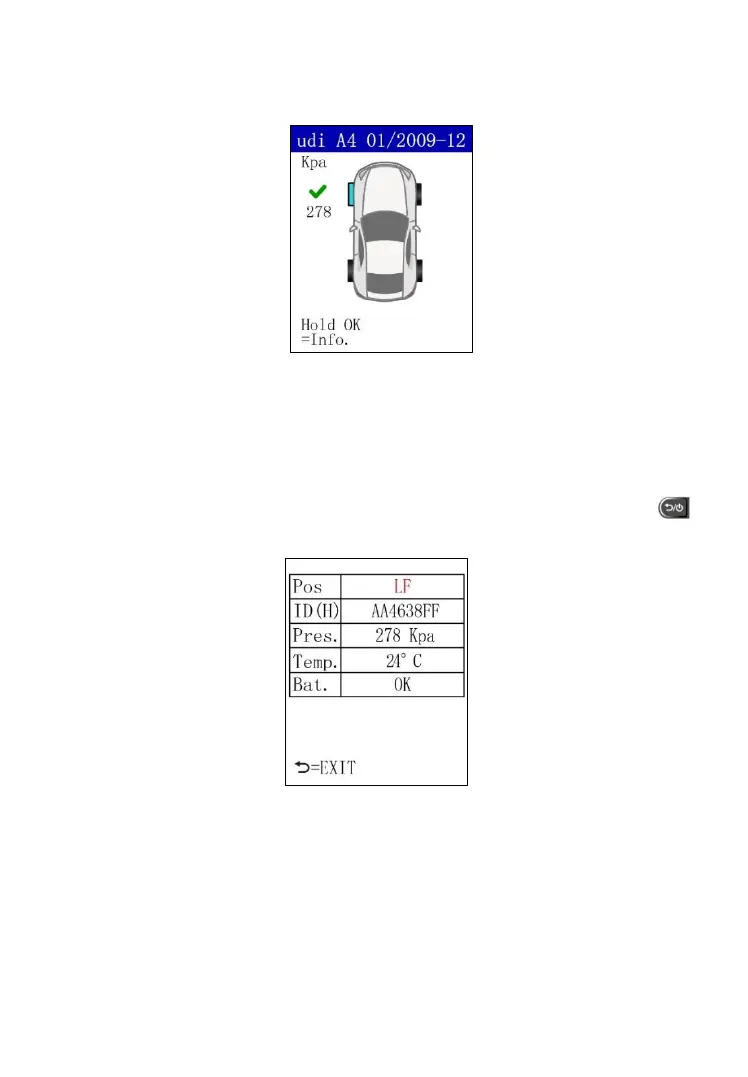
value displays in red. The pressure will display in black if the pressure is at
the recommended level.
Figure 5.6
Use the UP or DOWN Arrow button to select the tested wheel after the sensor
is successfully activated. Press and hold the OK button to display all sensor
data, including the position, sensor ID, tire pressure, temperature and battery
condition. Press the UP or DOWN Arrow button to select sensor on remaining
wheels. Press and hold the OK button to display data or press the
button to return to the previous menu.
Figure 5.7
After a sensor is activated, a test result icon, “√” ,”x”, ”W”, “Dup”, will display
alongside the wheel, indicating the wheel test is completed.



 To Next Page