26
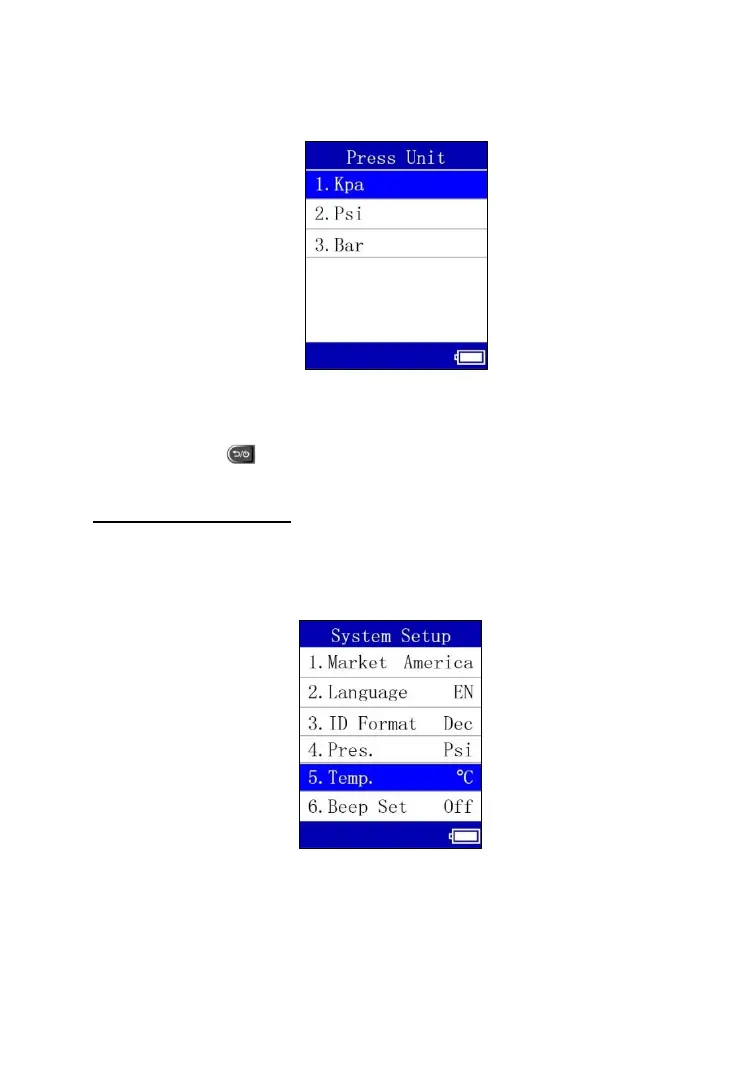
2) From Pressure Unit screen, use the UP or DOWN Arrow button to select
the desired unit: Kpa, Psi or Bar.
Figure 6.12
3) Press the OK button to save your settings and return to previous menu,
or press the button to exit without change.
Temperature Unit
1) From System Setup screen, use the UP or DOWN Arrow button to
select Temperature Unit, and press the OK button.
Figure 6.13



 To Next Page