27
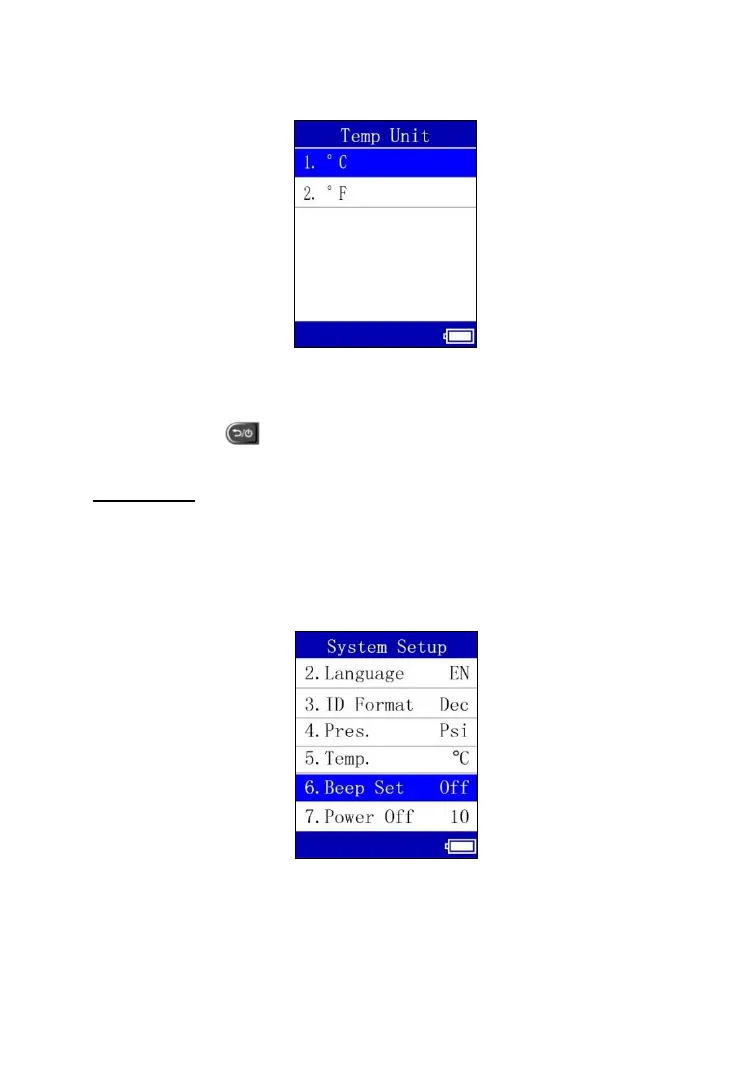
2) From Temperature Unit screen, use the UP or DOWN Arrow button to
select the desired temperature unit in degree Celsius or Fahrenheit.
Figure 6.14
3) Press the OK button to save your settings and return to previous menu,
or press the button to exit without change.
Beep Set
This function allows you to turn on/off the build-in speaker for key pressing.
1) From System Setup screen, use the UP or DOWN Arrow button to
select Beep Set, and press the OK button.
Figure 6.15



 To Next Page