IMPORTANT: Before operating or maintaining this unit, please read the Quick Reference Guide and User Manual
carefully, paying extra attention to the safety warnings and precautions. Failure to use this unit correctly may cause
damage and/or personal injury and will void the product warranty.
Getting Started
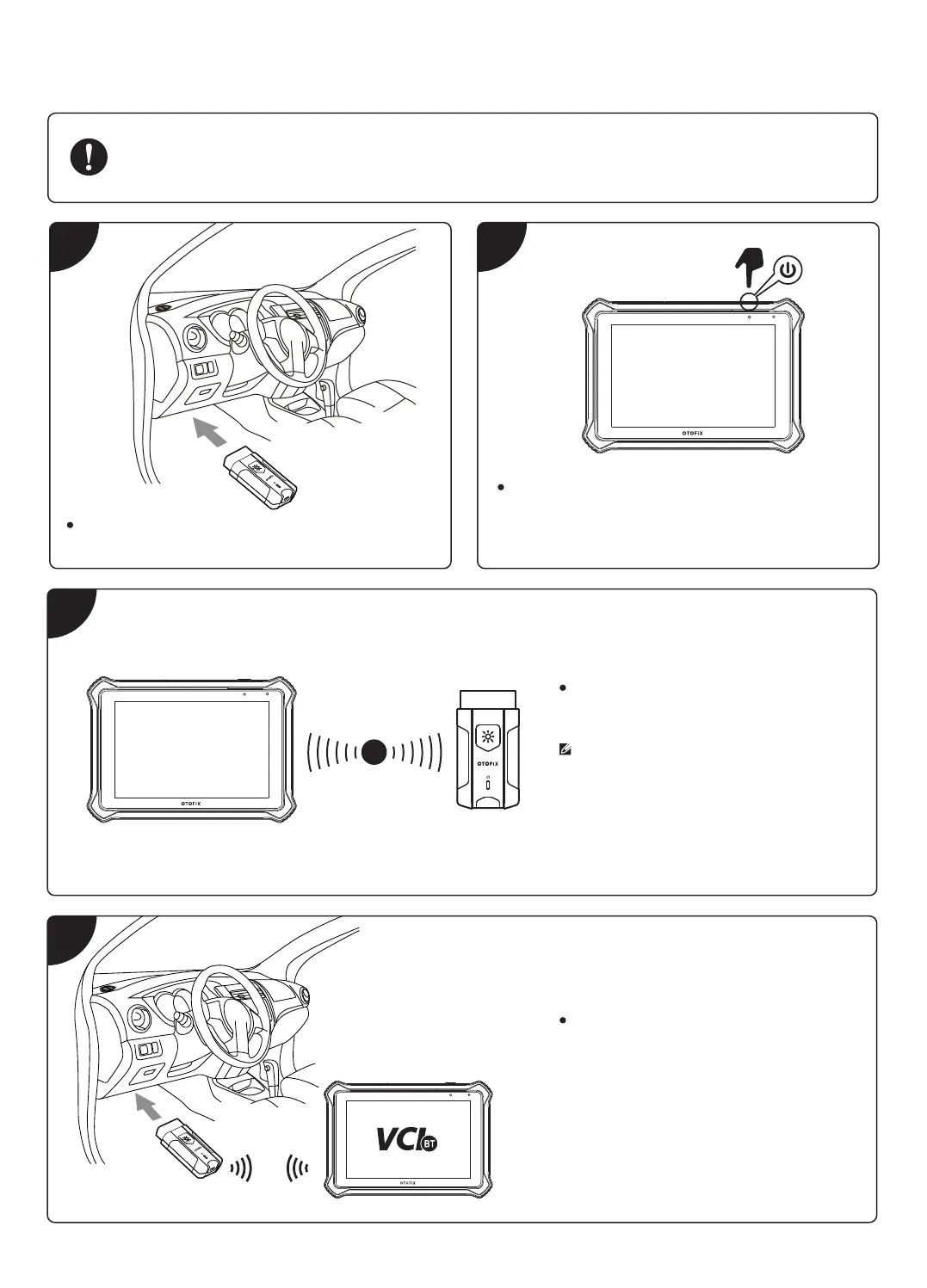
Insert the V1 into the OBDII port, which is generally
located under the vehicle dashboard.
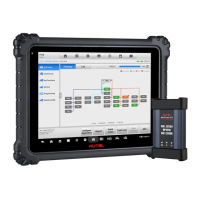
Long press the Lock/Power button to power up the
Diagnostic Tablet. Ensure the Diagnostic Tablet has a
charged battery or is connected to the DC power
supply.
1 2
3
4
When the V1 is properly connected to the
vehicle and the Diagnostic Tablet, the VCI
status button at the bottom bar on the
screen displays a green BT icon. This indi-
cates your Diagnostic Tablet is ready to start
vehicle diagnosis.
BT
Pair up the Diagnostic Tablet with the V1 via
Bluetooth to establish a communication link.
NOTE: The Diagnostic Tablet and the V1 are
configured to automatically synchronize with
each other on first use, so there is no need
to pair up.









 To Next Page